9
If pairing is not completed within 2', the unit automatically returns to Standby.
If you have paired two different mobile phones directly to your INSYDE, set one as default
for making calls (see Setting the Default Mobile Phone).
Not all Bluetooth
®
mobile phones broadcast Bluetooth
®
Stereo music (A2DP) even if the
phone has an MP3 player function. Consult your mobile phone’s user manual for more
information.
Not all Bluetooth
®
GPS devices allow connection to Bluetooth
®
audio devices. Consult
your GPS User. Manual for more information.
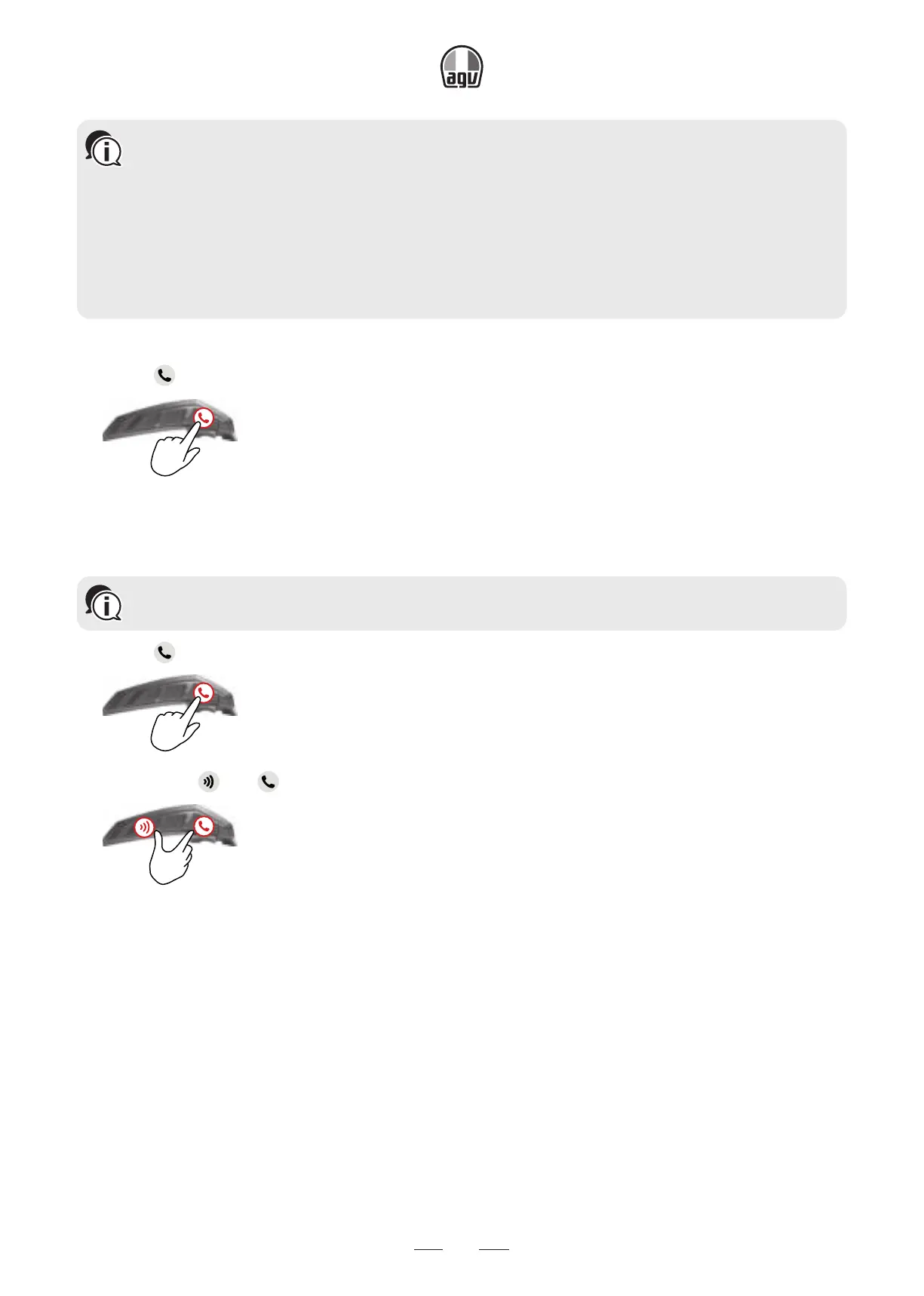
To cancel the pairing process:
• Press
for 2”.
2"
→ The LED stop flashing red and blue/green.
To reset all Bluetooth
®
device pairing:
Resetting all Bluetooth
®
device pairing also resets all Bluetooth
®
intercom pairing.
1. Press
for 5”.
5”
2. Press both and for 2".
2"
→ The LED flashes purple five times, confirming that pairing has been reset.


 To Next Page