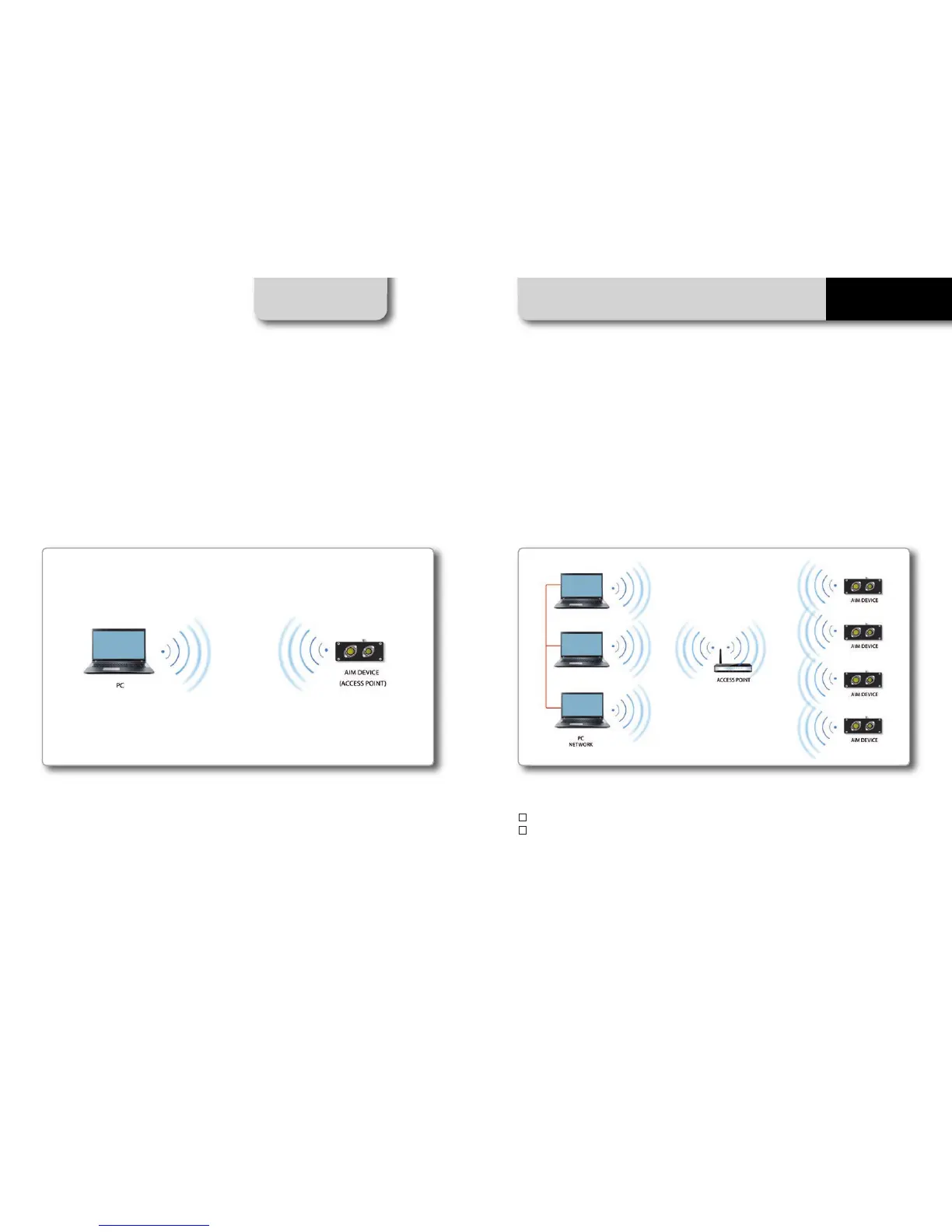
WiFi connectivity is set on AUTO by default. This means that if the vehicle is stopped WiFi is on
and goes OFF as the vehicle speed increases. Your system can be configured for WiFi commu-
nication in one of two ways.
In WLAN mode there are two layers of security available:
n
Network authentication: the network password
n
Device authentication: a unique device password
Using both network and device authentication allows for various security strategies where
multiple people, PCs and AiM devices are involved. For example a PC on a WLAN may see se-
veral AiM devices but can only communicate with AiM devices for which it has the password.
CHAPTER 10 WIFI CONFIGURATION
18 19
EVO5
10. WiFi Configuration
1) As an Access Point (AP)
This is ideal when you have one device and one computer.
In this configuration your AiM device creates its own WiFi network, which acts as an AP to
which you can connect your PC.
2) To join an existing Wireless Local Area Network (WLAN)
This is more complex and requires an external AP but is more flexible and powerful. In this way
you can communicate with more than one PC on the same network.
In this configurat
ion both your system and your PC have to join a pre-existing WiFi network,
called WLAN, in order to communicate with one another. The network is now created by a net-
work device, which is acting as an external AP by permitting the connectivity.



 To Next Page