WIFI CONFIGURATION
26 27
EVO5
CHAPTER 10
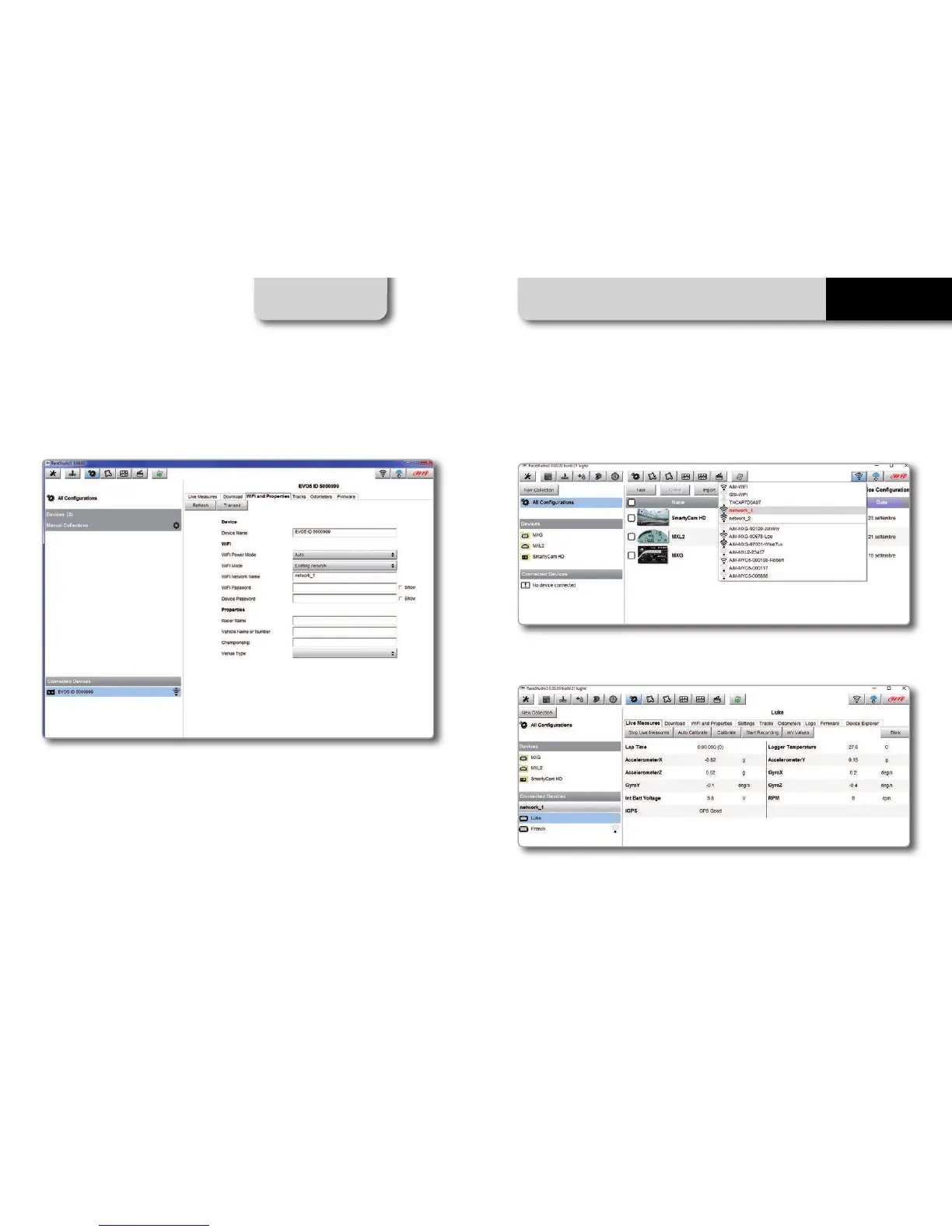
In order to accomplish these tasks, Race Studio 3 has to be used as clarified in the following
figure.
As you can see in the picture above, one device called “EVO5 ID 5000999” is
switched from AP mode to WLAN mode.
The network name is “network_1,” and it is not working in open authentication mode
since it is protected by a network password.
In order to get the connectivity to the device, the user’s PC also has to be
authenticated to the same network, as clarified in the following figure.
Once the user’s PC is authenticated to the same network called “network_1,” it can
see the AiM device previously configured to gain access to the target network.
In the previous picture, two AiM devices are connected to the WLAN network_1.



 To Next Page