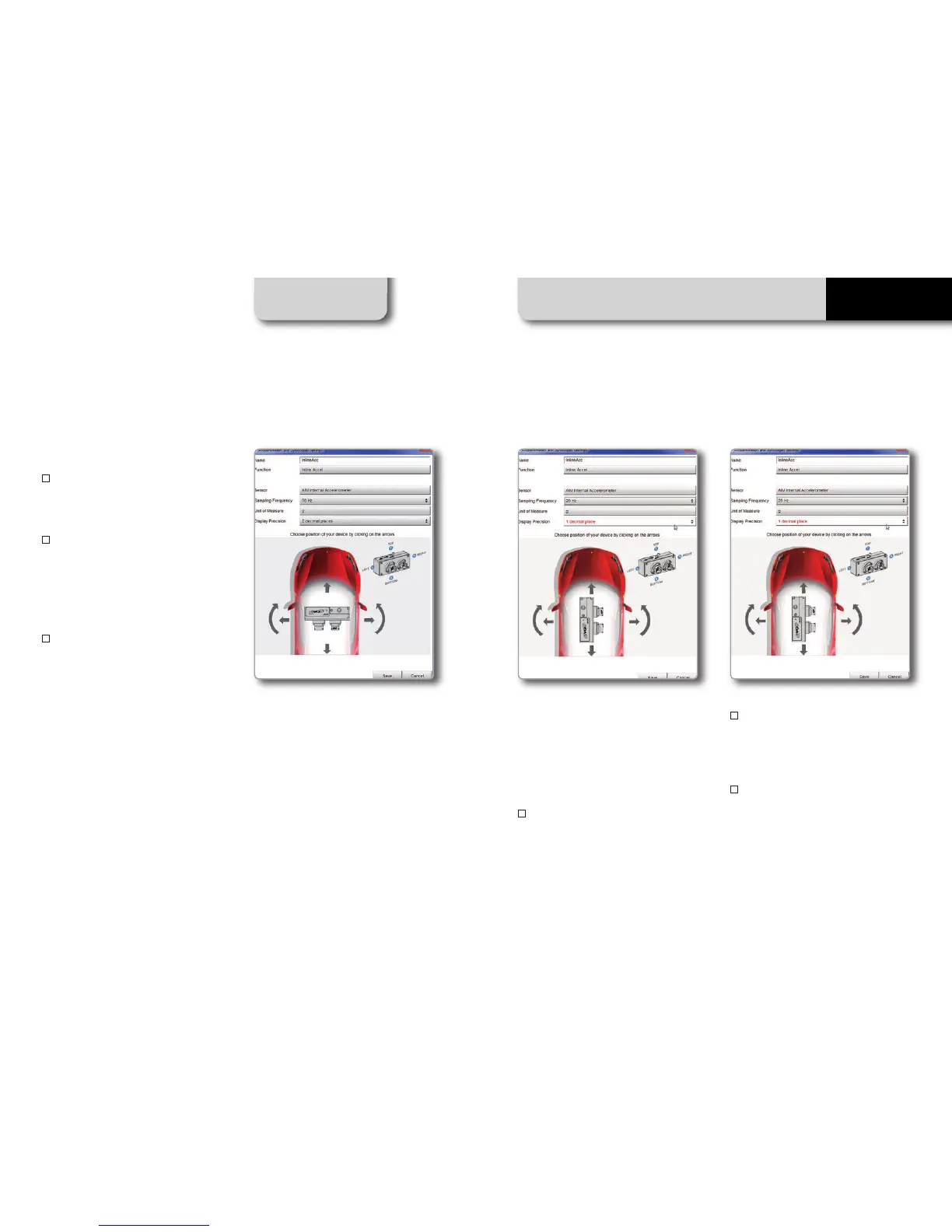
Here you can:
n
configure channel name (afterwards,
that name will not be automatically modi-
fied)
n
configure parameters like measure unit,
decimals number and sampling frequency,
which will not be assigned just to that
channel but even to the remaining chan-
nels of the inertial platform of the same
type ( the 3 accelerometers or gyros)
n
configure the logger position within the
vehicle: this configuration is made clicking
the arrows close to the logger image, which
will make the logger rotate on the 3 spatial
axes (the circled letter on the logger surface
identifies the side currently shown, like in-
dicated in the legend on the right of the
image)
Logger position configuration automati-
cally applies to all inertial platform chan-
nels, and consequently also their default
n
ames.
CHAPTER 11 RACESTUDIO3 SOFTWARE
38 39
EVO5
In the images above you see the result ob-
tained selecting an accelerometer, chan-
ging the logger position and modifying
frequency (to 20Hz) and precision (1 deci-
mal).
To recap:
n
to configure the logger position, just
click any of the 6 inertial platform channels
and then move the arrows until the logger
image has reached the actual placement
within the vehicle
n
to change accelerometers or gyros sam-
pling frequency it is necessary to select one
of the accelerometers and change its fre-
quency, then do the same selecting one of
the gyro channels
n
to rename all 6 inertial platform channels
select each of them, one by one, change its
name and save



 To Next Page