| VF, DHT, AES Series Manual
Refrigerated Air Dryer User Manual
18
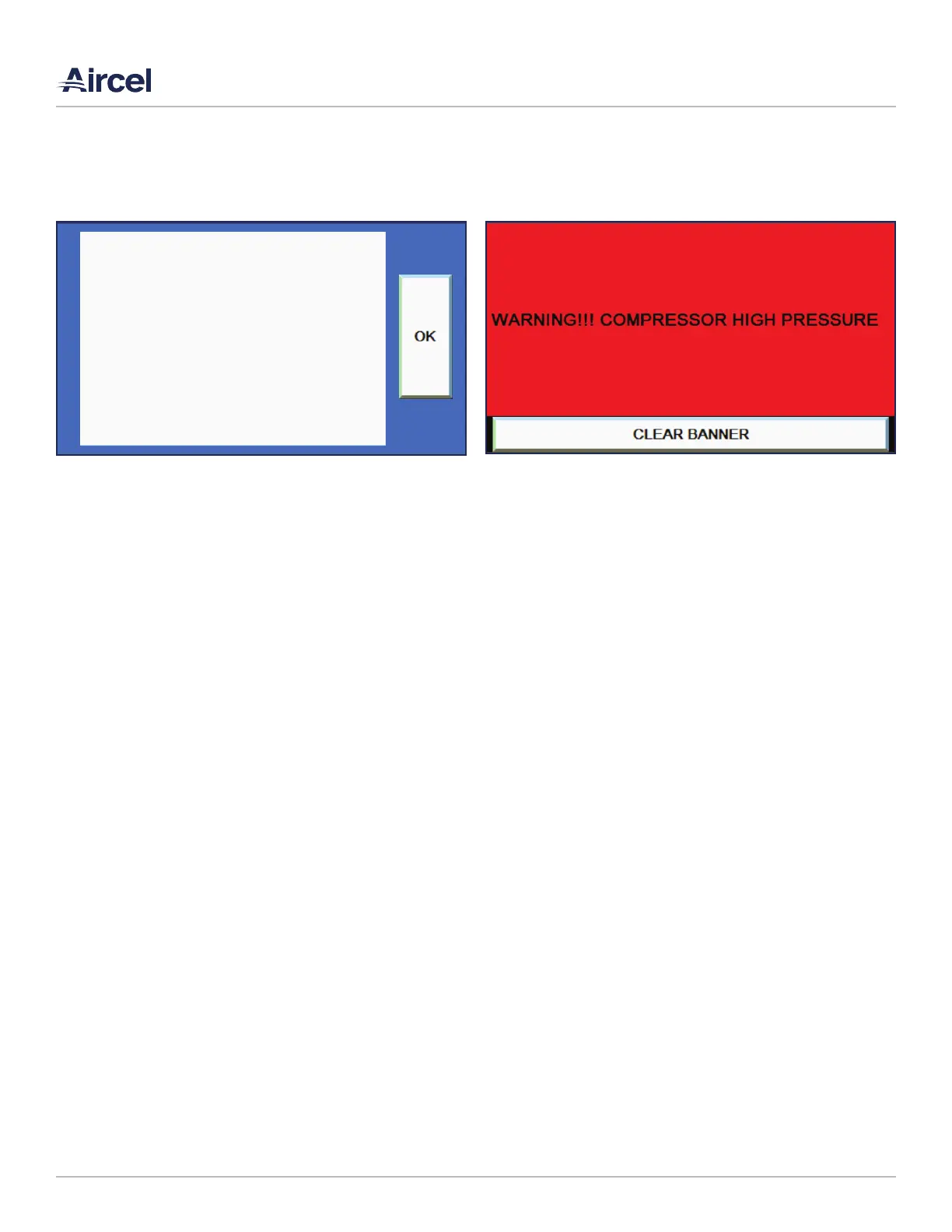
5.7 Alarm Banner Screen
The alarm banner pops up anytime there is an actual alarm in
the PLC. The alarm banner will show the last alarm given. If
there are multiple alarms, the next alarm given will be shown
as each alarm is cleared.
• MAIN SCREEN: Navigates to the main screen
• INFO SCREEN: Navigates to the info screen
• ALARM LOG: Navigates to the alarm log screen
• CLEAR LIST: Clears the alarm log
• Up Arrow: Scrolls up through the logs
• Down Arrow: Scrolls down through the logs
5.6 Diagnostics Screen
The diagnostics screen will pop up if there is a communcations
error between the PLC and HMI, or if there is a major fault
(error) of the HMI itself.
FIGURE 5-6: Diagnostics Screen FIGURE 5-7: Alarm Banner Screen



 To Next Page