4. Monitor the Image Section
61AirLive IP-200PHD-24/IP-200PHD-24B
User’s Manual
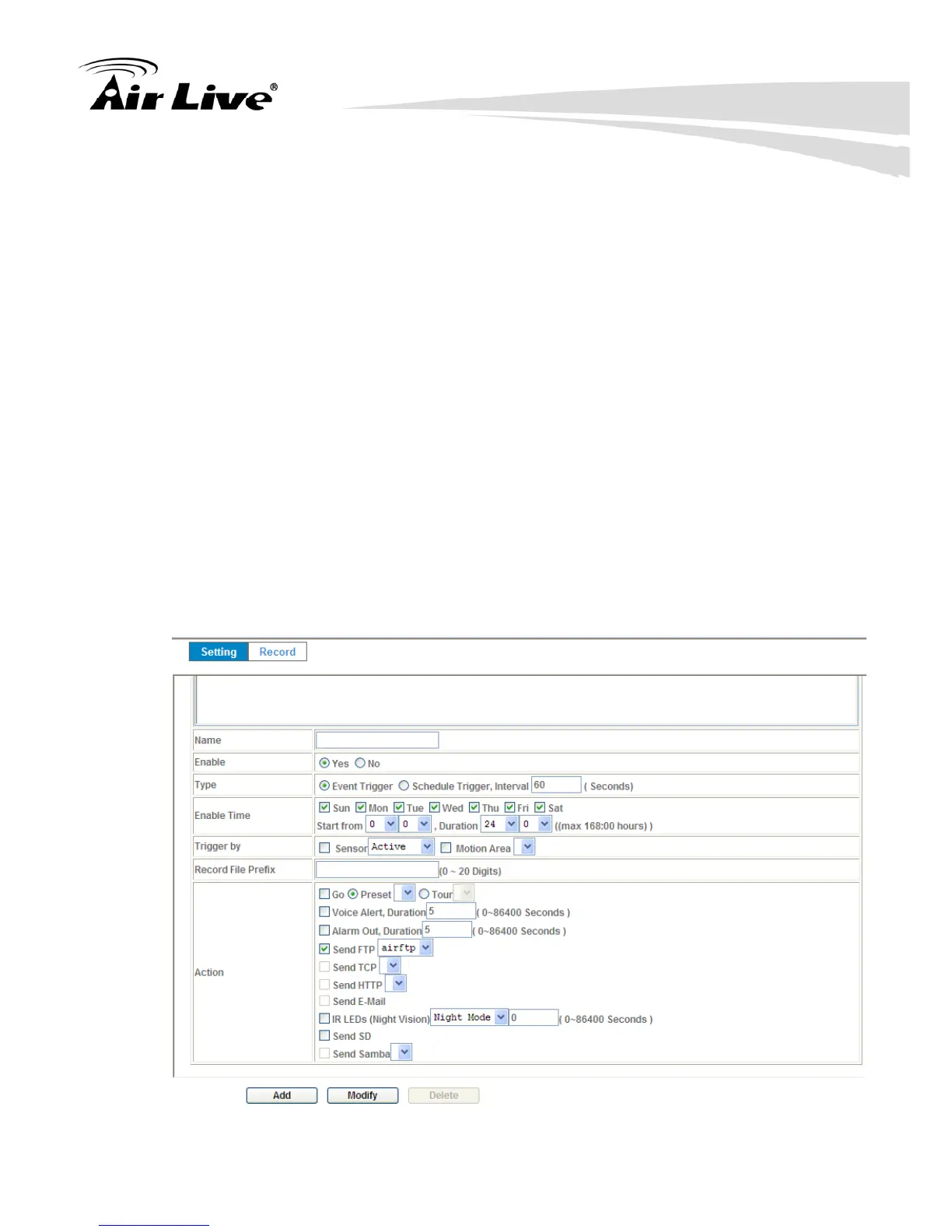
Type:
Event trigger or Schedule trigger.
Enable Time:
Define the feasible time slot.
Trigger by:
Select the triggered sources.
Action:
Define the actions once event triggered.
Example 1:
Send file to FTP server by motion triggered always:
1. Select event trigger
2. Enable time: start from 00:00 to 24:00 every day
3. Trigger by: Motion Area (Added in Object Detection page)
4. Action : Send FTP (Add in Event Server -> FTP Server page)



 To Next Page