4. Monitor the Image Section
AirLive IP-200PHD-24/IP-200PHD-24B
User’s Manual
62
Example 2:
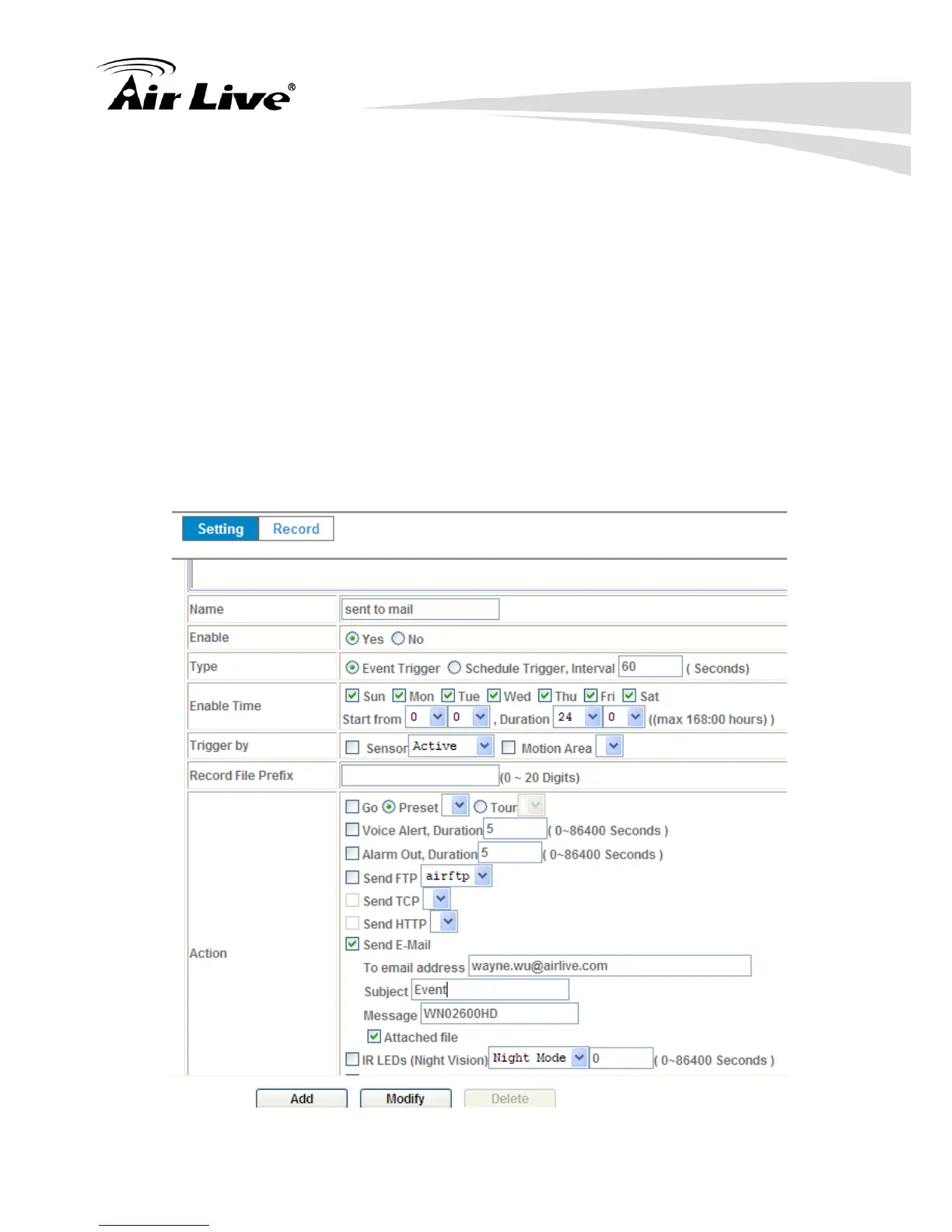
Send file to E-Mail server by motion triggered from Friday 18:00 to Saturday
06:00
1. Select event trigger.
2. Enable time: start from Friday 18:00 and keep work in 12 hours, so it will
stop on Saturday 06:00.
3. Trigger by : Motion Area (Added in Object Detection page)
4. Action : Send e-mail (Add in E-Mail page)
i. To email address: You need to input the receiver email
address.
ii. Subject: You could specify the email subject.
iii. Message: You could specify the email content.



 To Next Page