4. Monitor the Image Section
63AirLive IP-200PHD-24/IP-200PHD-24B
User’s Manual
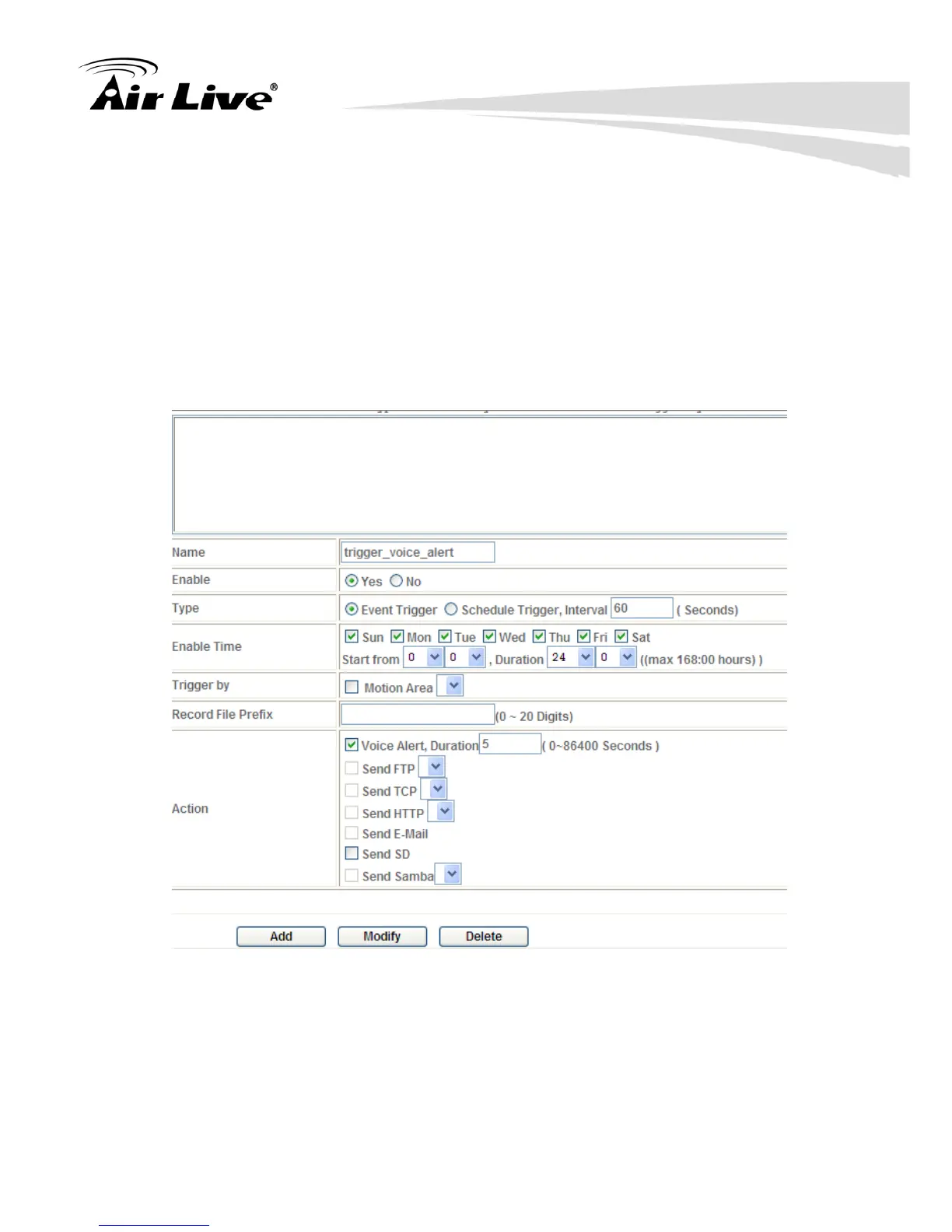
Example 3:
Enable Voice Alert every 10-minute during 18:00 to 24:00 from Monday to
Friday.
1. Type: Select schedule trigger and interval is 10-minute.
2. Enable time: Select Monday to Friday, and set start time from 18:00 and
keep work in 6 hours.
3. Trigger by : You do not need to choose it, because this will be triggered
every minute
4. Action : Voice Alert
Note: Send SD function is only for IP-200PHD-24



 To Next Page