5. Troubleshooting & FAQ
85AirLive IP-200PHD-24/IP-200PHD-24B
User’s Manual
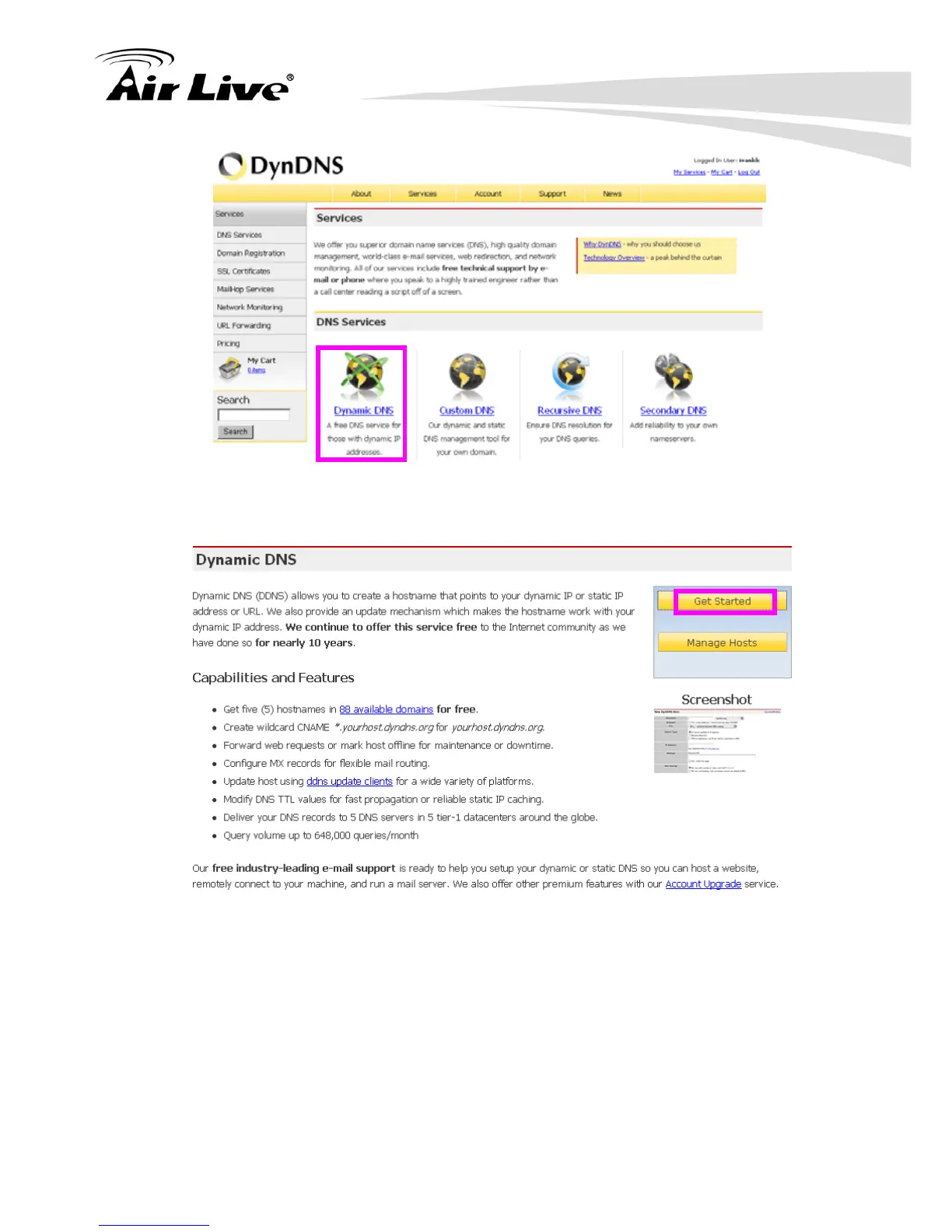
(10). Click the “Get Started”.
(11). We could create a domain name without any charge at this step. First, we input
the host name. (Pink No.1) Then we pick a domain that is easy to remember. (Pink
No.2) The 3
rd
step is to click “Offline Hostname” from Service Type. (Pink No.3)
Finally, click the “Create Host” to submit the domain name information and finish
DDNS application. (Pink No.4)



 To Next Page