HTTP Server: Select “Enable” to enable the TCP Server function.
- URL: Enter the URL path of the HTTP server.
- HTTP Port: 80. Revise it only needed.
- Login Name: Enter the login name of the HTTP server.
- Login Password: Enter the login password of the HTTP server.
- Message: Enter the message here.
- Test HTTP: Click to test the HTTP server function.
Google Drive: Select “Enable” to enable the Google Drive function.
- User Name: Enter the user name to login the Google Drive.
- Password: Enter the password to login the Google Drive.
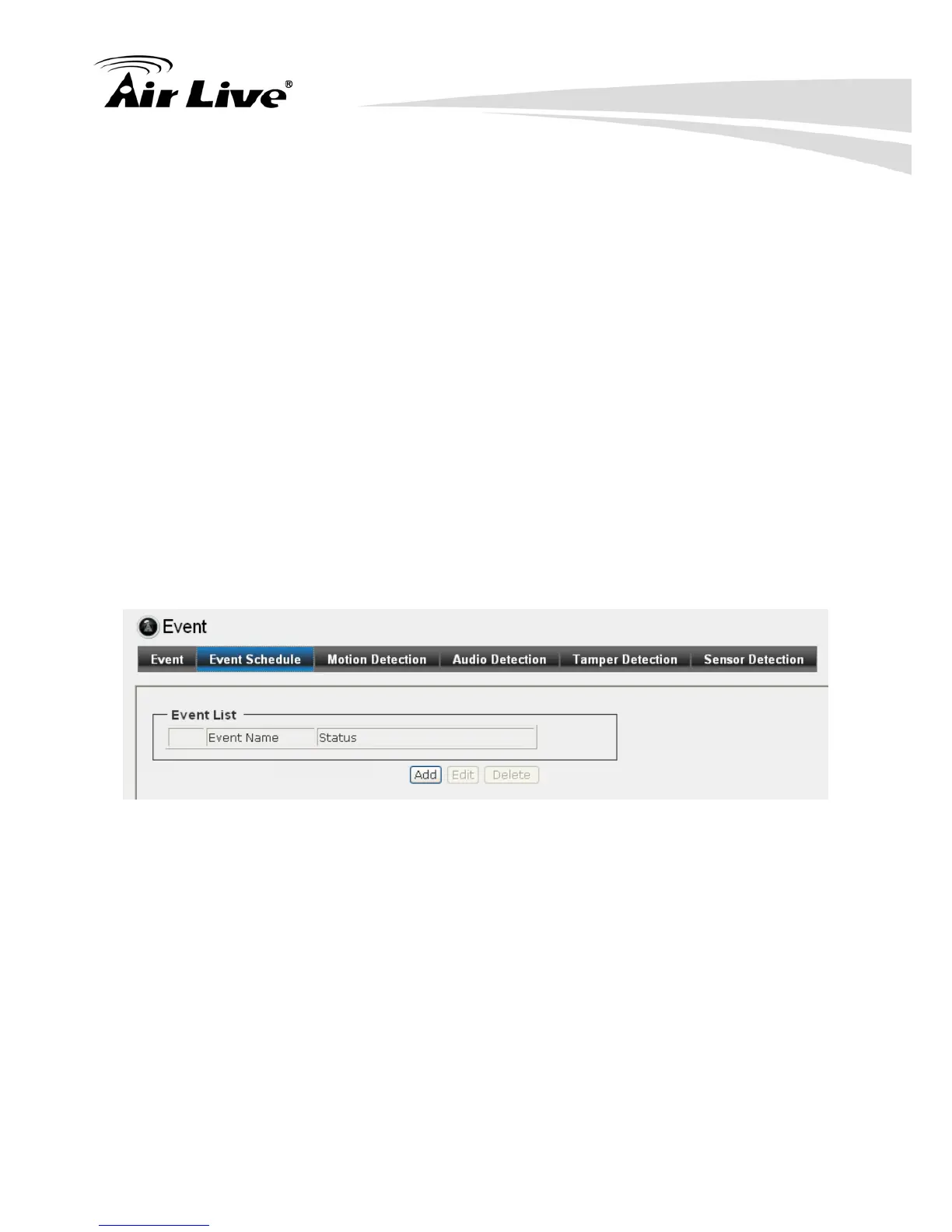
6.4.2. Event Schedule
Click “Add” for more detail settings.



 To Next Page