Selecting the Interface
Type
Configuring the Interface
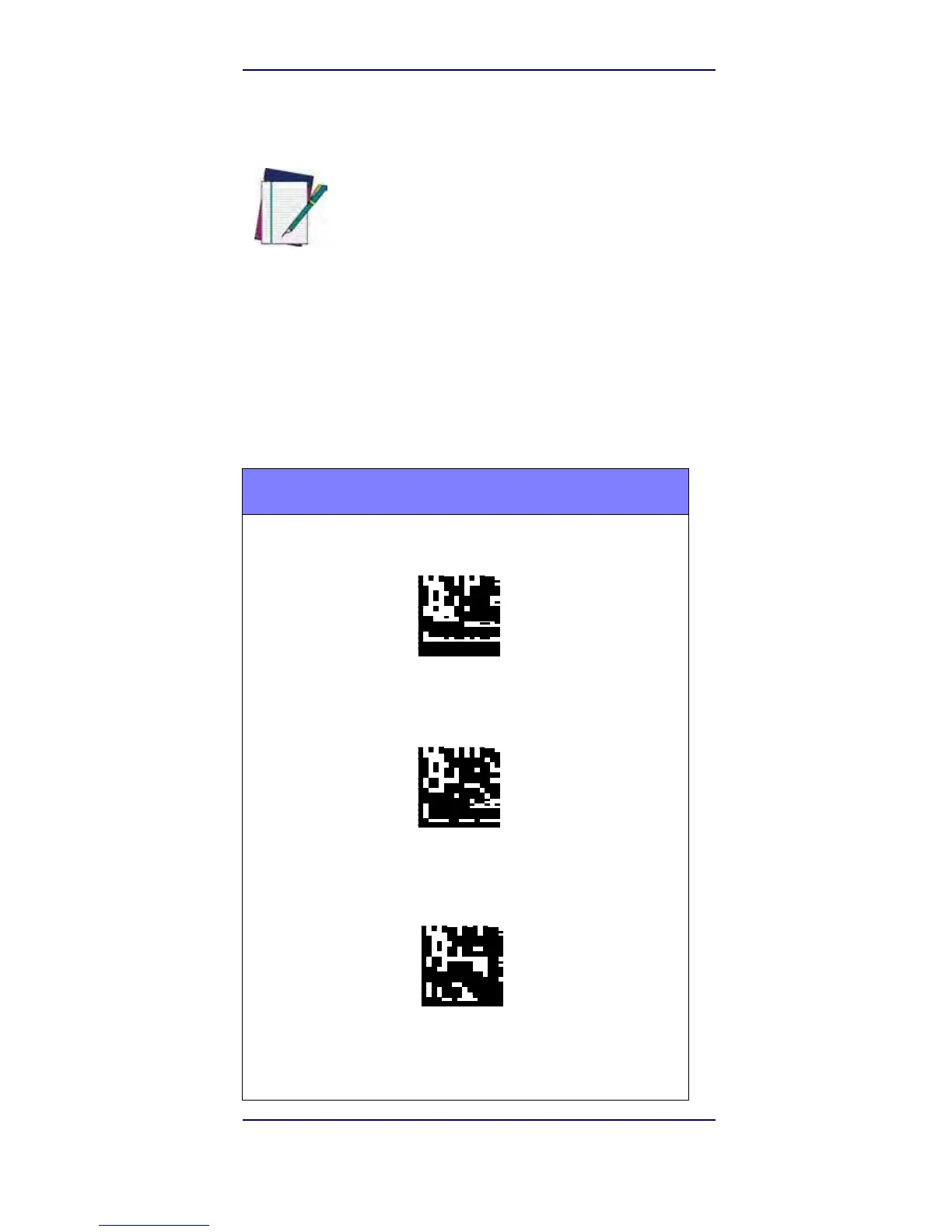
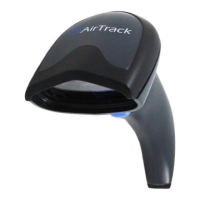
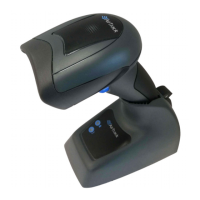
Scan the appropriate programming bar code to select
the interface type for your system.
Unlike some other programming features and
options, interface selections require that you
scan only one programming bar code label. DO
NOT scan an ENTER/EXIT bar code prior to
scanning an interface selection bar code.
NOTE
Some interfaces require the scanner to start in
the disabled state when powered up. If
additional scanner configuration is desired while
in this state, pull the trigger and hold for 5
seconds. The scanner will change to a state that
allows programming with bar codes.
RS-232
RS-232 standard interface
Select RS232-STD
RS-232 Wincor-Nixdorf
Select RS232-WN
RS-232 for use with OPOS/UPOS/JavaPOS
Select RS-232 OPOS


 To Next Page