8
A-MIP 210 V1.06
Installation
Heating/Fan activation temperatures
• Entering the heating temperature (Heating option)
Heating will be triggered once this thresold is matched.
It will stay activated as long as the temperature has not
got warmer than the thresold.
Type the menu code 103, then validate :
Enter the heating thresold( e.g.
10°C)
You can enter a negative temperature using the key
• Entering the fan activation temperature (Heating
option):
Fan activation will be triggered once this thresold is
matched.
It will stay activated as long as the temperature has not
got colder than the thresold.
C
1 0
C 2
3 0
1
Type the menu code 104, then validate :
Enter the fan activation thresold ( e.g. 35°C)
3 5
4 0
1
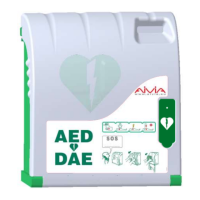
Pictograms
• The signs on the door of AIVIA inform you of what to
do in case of emergency.
• You must mark the emergency number to call in the
SOS pictogram if one is not already noted there.
• Check that the instructions stay clear and unmasked.
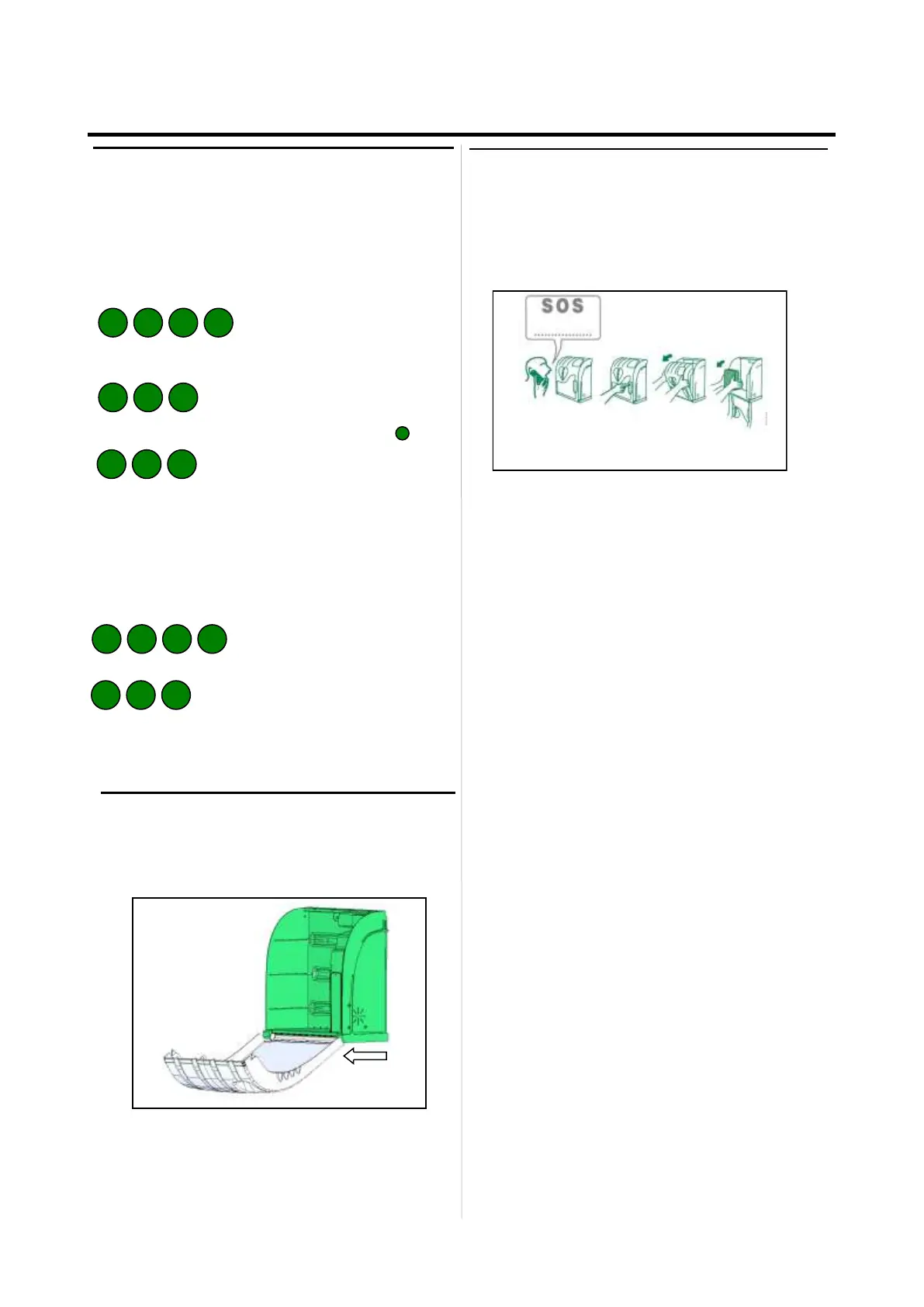
Close the AIVIA door
• Completely close the Aivia door Be sure to pull the
door foot toward you before to swing the door


 To Next Page