HD10MD4 Mini-Converter v1.1 www.aja.com
11
To download the latest documentation for an individual Mini-Converter, go to:
https://www.aja.com/en/category/mini-converters
and navigate to the Support webpage of that Mini-Converter.
Installing Mini-
Config
PC Installation To install Mini-Config on a Windows PC:
1. Download the application from the AJA website (select the Windows icon on the
Mini-Config Support webpage).
2. Open the AJA_MiniConfig.zip file
3. Double-click on the MiniInstaller.msi file.
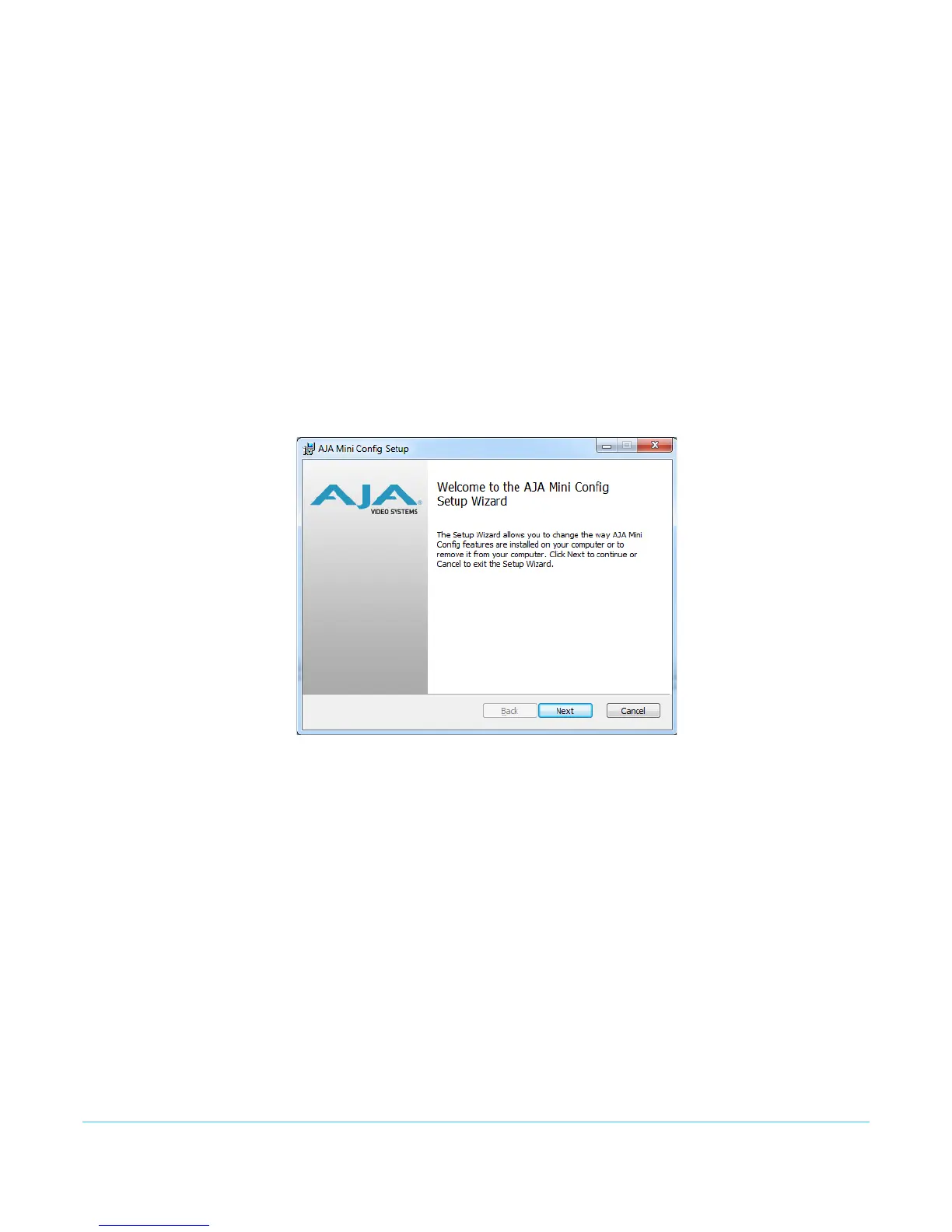
4. A Setup Wizard will guide you through the installation.
Figure 1. Mini-Config PC Setup Wizard
5. Click Next to begin. Answer the questions in the subsequent dialogues. When
finished, an AJA Mini-Config shortcut will be installed on the desktop, and you will be
able to locate the Mini-Config application in the AJA folder in the Programs listing.


 To Next Page