HD10MD4 Mini-Converter v1.1 www.aja.com
8
Chapter 2: Operation
Default Operational Settings
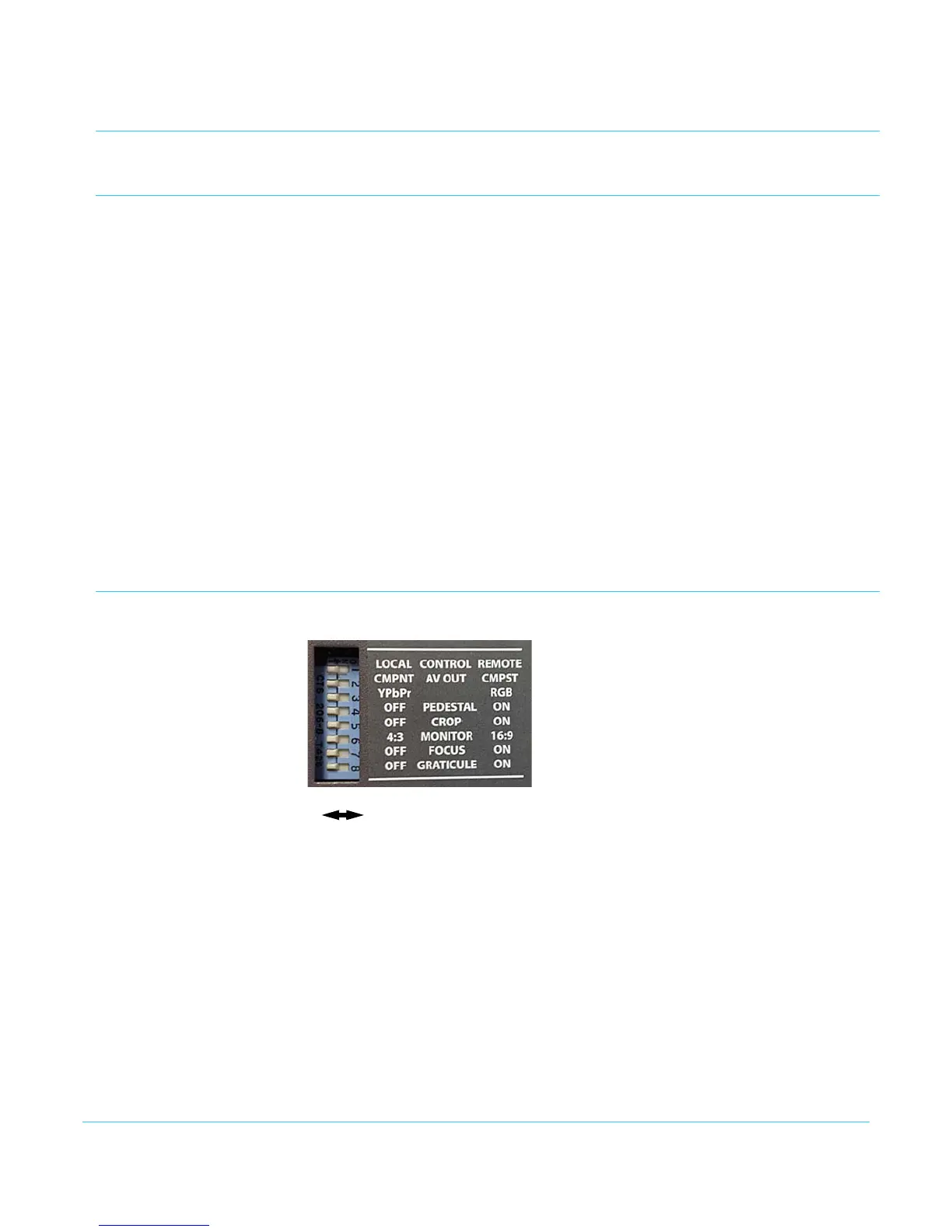
The HD10MD4 Mini-Converter ships from the factory with the following configuration
(all DIP switches Off - Left):
• Local (DIP switch) control
• Component video
• YPbPr format
•Pedestal Off
•Crop Off
• Monitor 4:3
•Focus Off
• Graticule Off
If these settings apply to your requirements, you can simply connect the video input and
output signal cables and power up the unit.
For other applications, you can configure the unit using its DIP switch settings, or by
using the Mini-Config application and a PC or Mac via USB.
DIP Switches
DIP switches on the bottom of the unit are used to configure it without a computer.
DIP Switches
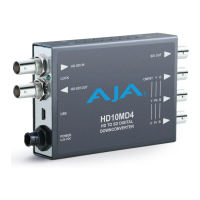
OFF ON
Left Right


 To Next Page