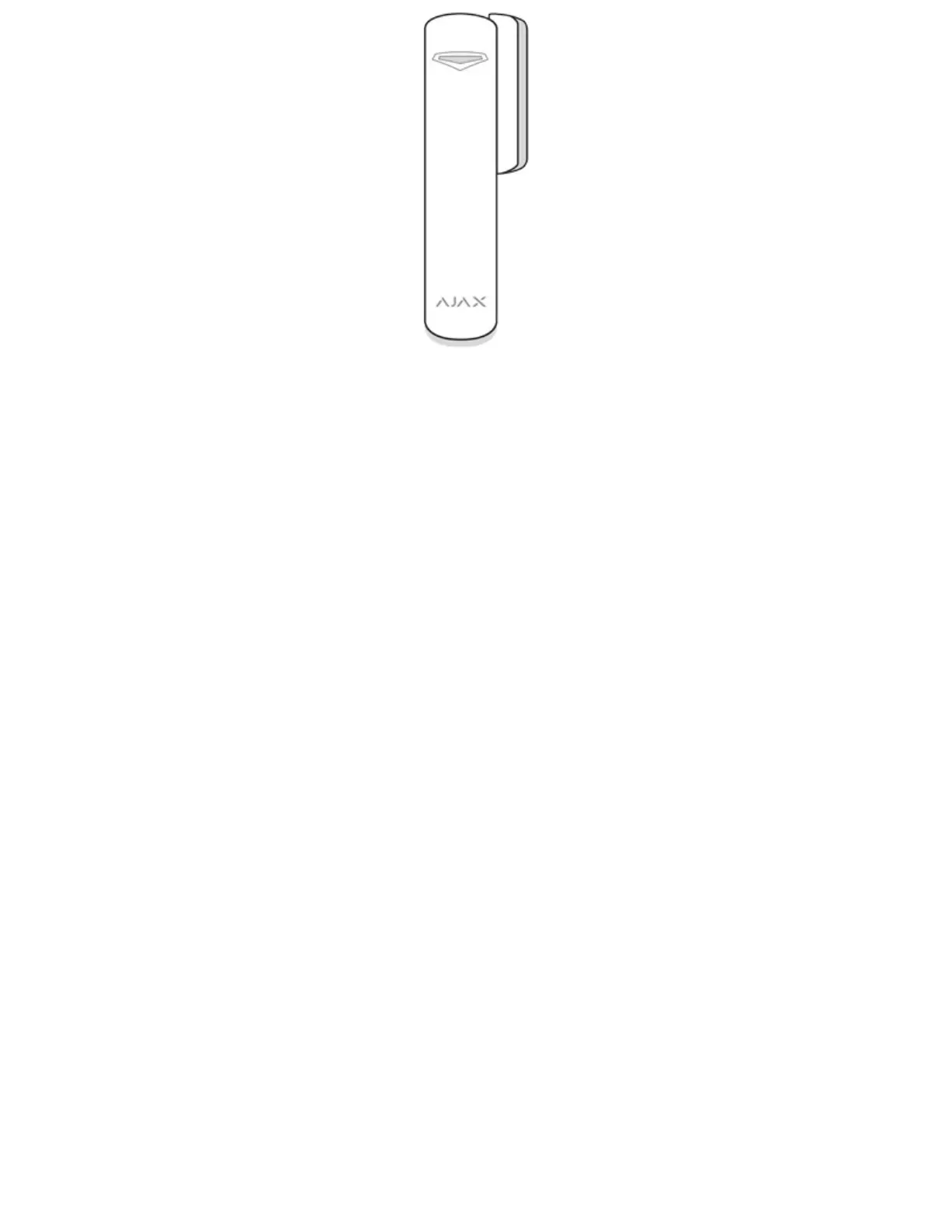
When installing the detector in the perpendicular planes (inside the case/frame),
use the small magnet from the set. The distance between the magnet and detector
should not exceed 1 cm.
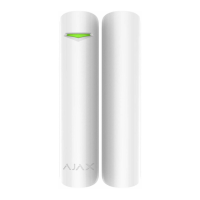
When positioning the parts of DoorProtect Plus in the same plane, use the big
magnet. Its actuation threshold is 2 cm.
Detector Testing
Having defined the location, fix the detector and magnet with the double-sided
adhesive tape and check its operation of using the Detection Zone test.
In the test mode, the DoorProtect Plus LED lights continuously, switching off for a
second, if the detector is triggered. Check the correct operation of the device by
opening/closing the door several times.
Connecting a Third-Party Wired Detector
A wired detector with an NC (normally closed) contact type can be connected to
DoorProtect Plus using the in-built terminal clamp.


 To Next Page