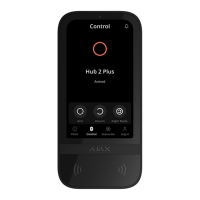
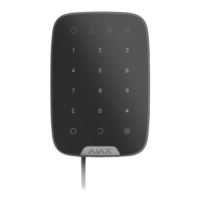
Brightness Brightness of the keyboard backlight
Buttons Volume Volume of the beeper
Alert with a siren if panic button is pressed
The setting appears if the Alarm mode is
selected for Function button.
If active, the Function button pressing triggers
the sirens installed at the object
Jeweller Signal Strength Test
Switches the device to the signal strength test
mode
Signal Attenuation Test
Switches the KeyPad to the signal fade test
mode (available in devices with rmware
version 3.50 and later)
Permanent Deactivation
Allows the user to disconnect the device
without removing it from the system.
Two options are available:
User Guide Opens the KeyPad User Manual
Unpair Device
Disconnects the device from the hub and
deletes its settings
users added to the hub.
Entirely— the device will not execute
system commands or participate in
automation scenarios, and the system will
ignore device alarms and other notifications
Lid only— the system will ignore only
notifications about the triggering of the
device tamper button
Learn more



 To Next Page