PRECAUTIONS
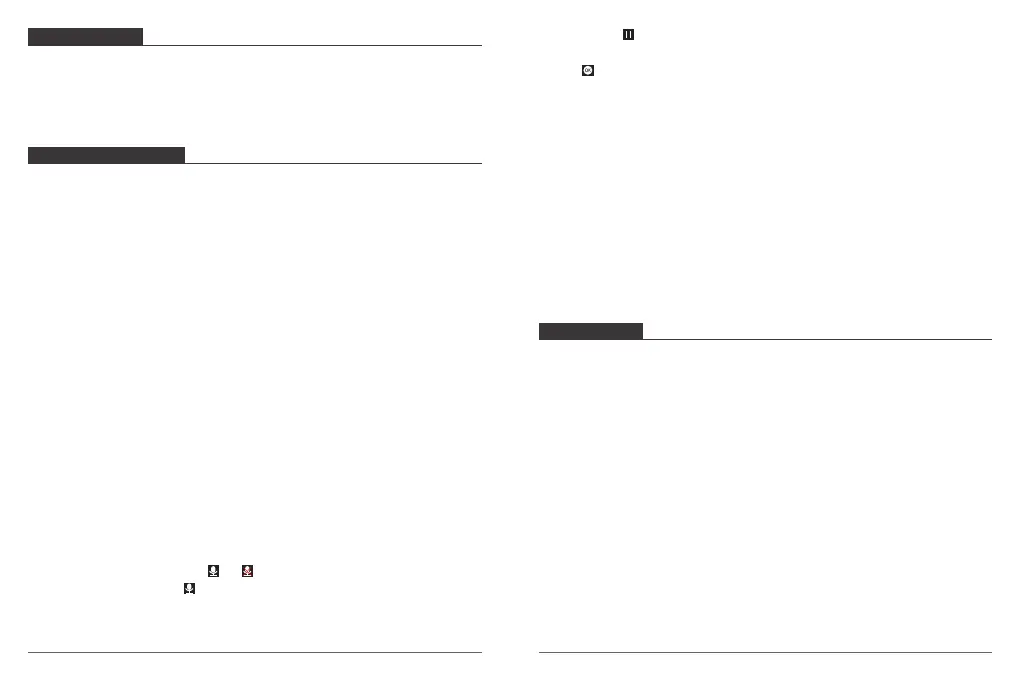
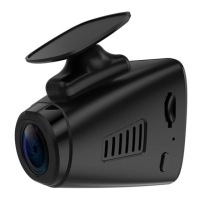
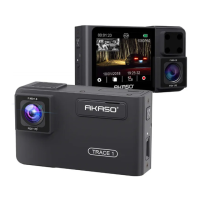
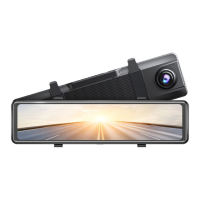
① Please safekeeping, prevent the lens from scratching and dirty.
② Please pay attention to anti-fouling and moisture-proof.
③ Do not exposure the machine to the sun directly, prevent the built-in battery from
damage.
TROUBLESHOOTING
Q: The bracket is easy to fall off.
A: Please tear off the film on the bracket, and clean the windshield with a dry cloth.
Q: The image is blurry.
A: The windshield will reflect the light, please adjust the camera.
Q: The camera lose power often.
A: Due to different vehicle designs, please rotate the car charger to adjust it keep stable.
Q: The camera unable to be turned on.
A: Please make sure that whether the charge indicator light is on or off, if off, please
re-insert the car charger and reset the camera.
Q: All buttons are not responding.
A: Please reset the camera to restart.
Q: The camera doesn’t record automatically after turning on.
A: 1, Check whether the memory card is full or no.
2, Reformat the card, if this problem exists, please change a new card with class 10 &
above.
Q: The video has no voice.
A: 1. Please Check the voice icon is not .
2. In recording mode, press button to turn on / off the voice.
Q: When connect to computer, there is no external storage device.
A: Please replace another USB data cable to try.
Q: Menu button was no responding.
A: Because when the camera is recording, you can not operate the menu button, please
press button to stop recording.
Q: The camera keeps turning on and off automatically.
A: Please charge the camera via USB car charger, do not charge the battery via the USB
data cable with other adapters
Q: Cannot download the “Akaso Car” app.
A: 1. Please check your device’s version whether it is Android 4.4 & above or iOS & above.
2. Change another mobile phone.
Q: Cannot connect to camera’s Wi-Fi
A: 1. Please make sure the phone’s Wi-Fi keep on.
2. Check the SSID and PWD is same with the content of the camera.
CONTACT US
For any inquires, issue or comments concerning our products, please send E-mail to the
address below, and we will respond as soon as possible.
E-mail: cs@akasotech.com
Tel: (888) 466-9222 (US) Mon-Fri 9am-5pm (EST)
Brand web: www.akasotech.com
25 26


 To Previous Page