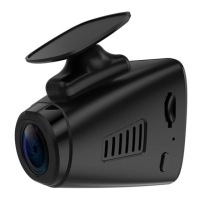
S6 Dash Cam
Electrostatic Stickers * 2
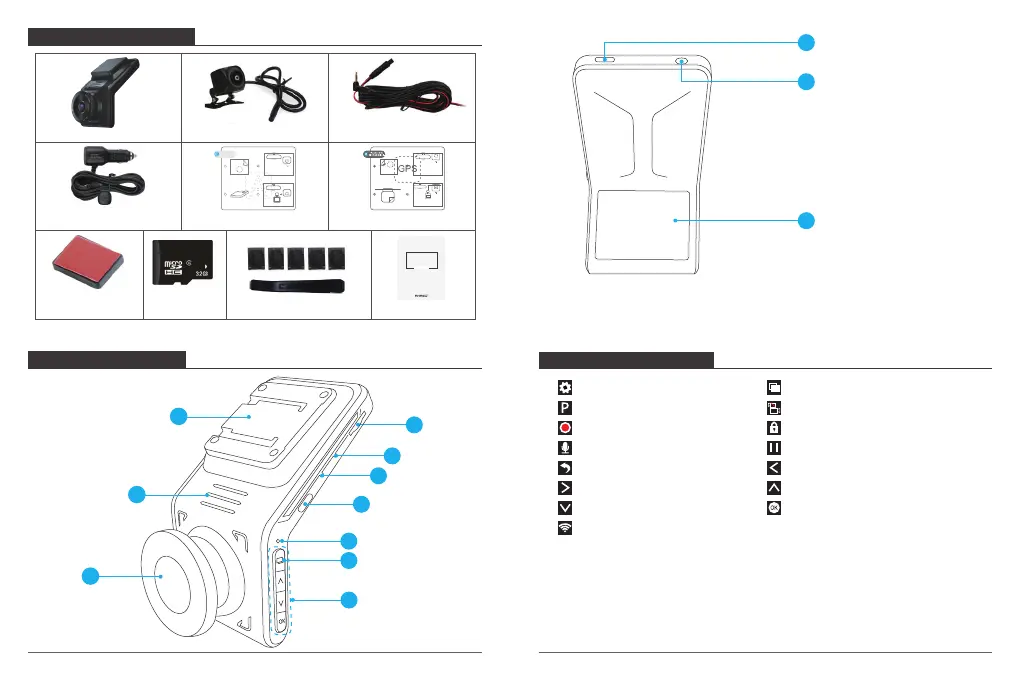
WHAT’S IN THE BOX?
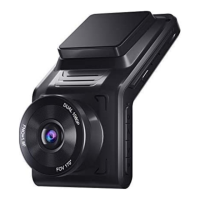
CAMERA OVERVIEW
1
4
1. Bracket Slot
2. Speaker
3. Front Camera
4. Micro SD Card Slot
5. Reset
6. MIC
7. Power Button
8. Indicator Light
9. Wifi Button
10. Set Buttons
11. USB Power Slot
12. Rear Input
13. Screen
ICON INTRODUCTION
Bracket * 2
Please tear off the
film before installing it.
1
2
3
4
3
2
10
13
12
11
5
6
7
9
8
Car Charger Adapter with
external GPS
Rear Camera Rear Extension Cable
Crowbar + Five Cable Clips Quick User Manual
QUICK
REFERENCE
GUIDE
S6 Car Dash Camera
32GB Micro
SD Card
GPS Electrostatic Stickers * 2
Note: The camera will automatically restart and initialize if you insert or remove the rear
view camera while the power is on.
: Setup
: Parking Monitor
: Start to recording
: MIC
: Back
: Forward
: Down
: WiFi
: Playback
: Switch Front and Rear Camera
: Lock video
: Stop recording
: Backward
: Up
: Confirm or Exist
01 02


 To Next Page