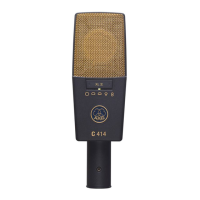
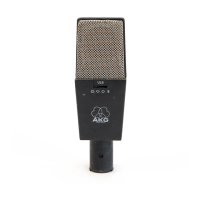
Installation
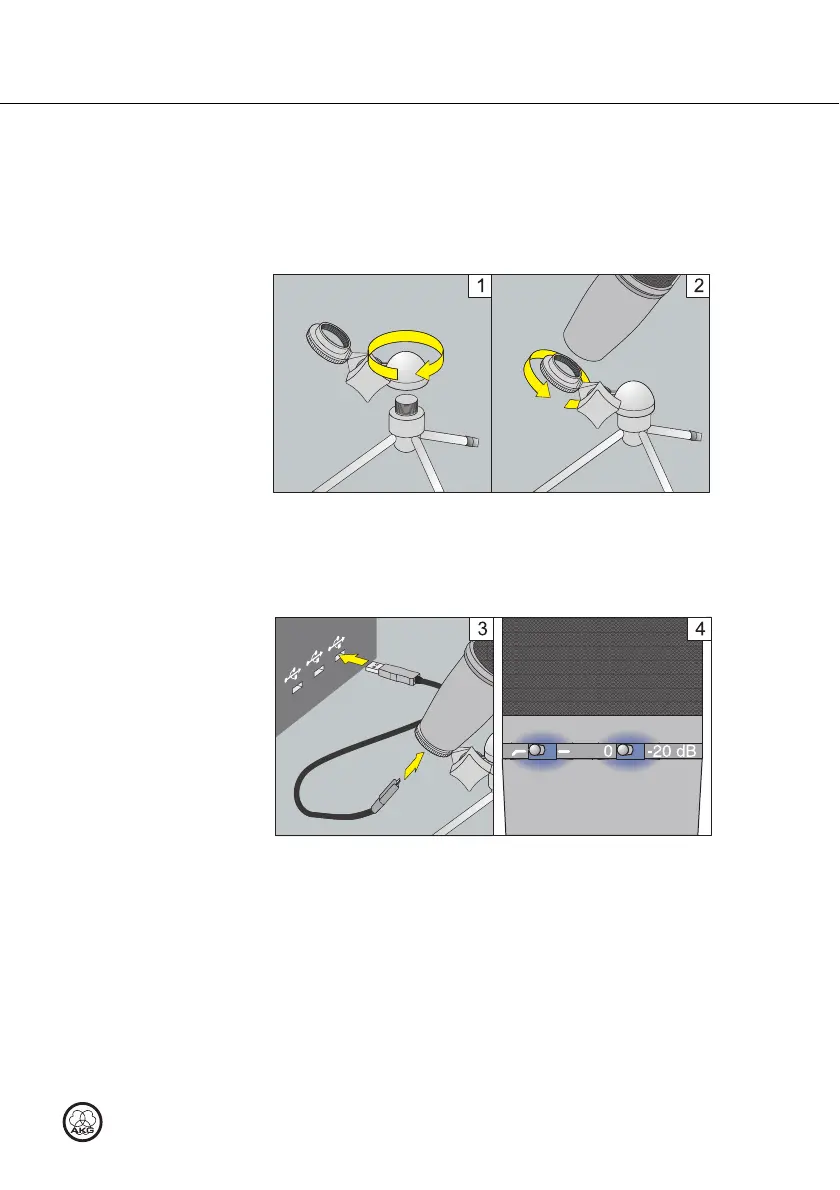
Figure 1: Setting up the microphone
1) Screw the tripod adapter on to the table tripod.
2) Screw the microphone on to the tripod adapter.
Figure 2: Connecting the microphone
3) Connect the USB cable to the microphone and the recording device (e.g.
computer).
4) The LEDs on the selector switches light up to show that the power supply
is OK.
The computer operating system detects the microphone and automatically
installs the device driver.
3 Installation
Setting up the microphone
Connecting the
microphone



 To Next Page