General: 01905 823 298 | www.akw-ltd.co.uk14
14
PUMP SETTINGS
Pump Settings
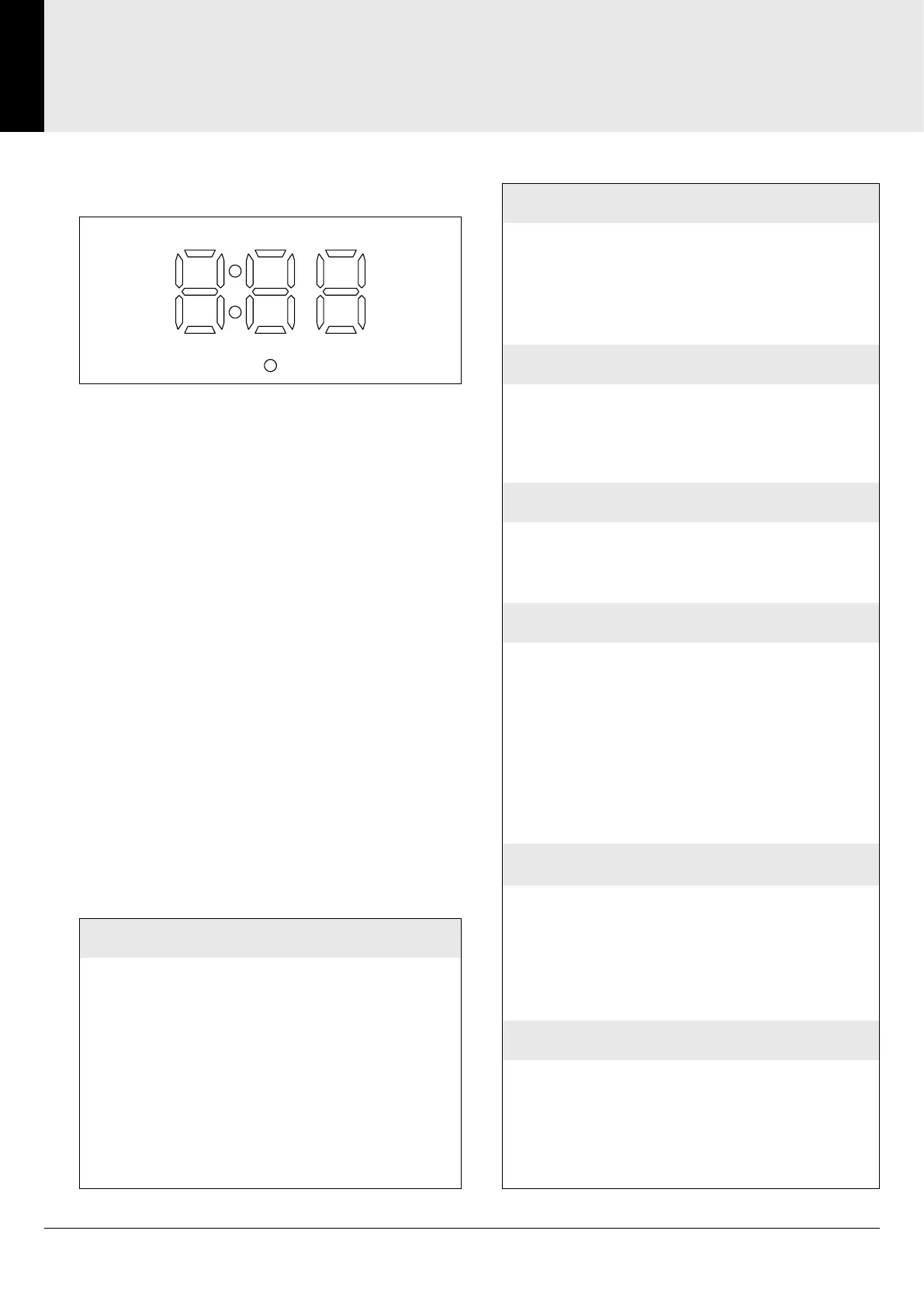
When power is applied to the pump, the display will
briefly indicate the model and software version of
the pump. The pump will then enter standby mode.
Standby Mode
An led dot will be displayed, indicating mains
voltage present.
Adjusting the Settings
From Standby, Press UP and DOWN buttons
simultaneously >3 seconds. Display turns on.
F: press momentarily: cycle through parameter
number
UP/DOWN: press individually momentarily :
increment/decrement parameter value
UP/DOWN: press both simultaneously for >3s :
settings (changes) not saved. Exit to standby mode
F: press >3s: settings saved. Exit to standby mode
'time-out' (no button press within 10s) : settings
(changes) not saved. Exit to standby mode
Display
TEST MODE
From Standby, press and hold F button >3 seconds.
Test Mode sequence will start:
1. The start delay value will count down to 0
2. Pump will start
3. The run value will count down to 0
4. Pump will stop
5. Test completed - the Pump will revert to Standby mode
This test can be carried out with or without water present
and the sensor fitted or not
START DELAY
From Standby, press and release DELAY button to
increment value
Default setting: 4:05
Range adjustment: 4:01 - 4:99
Press F to exit to Run-On Time setting
RUN-ON TIME
From Standby, press and release RUN button to increment
value
Default setting: 5:20
Range adjustment: 5:01 - 5:99
Press F to exit to Sensor Type
SENSOR TYPE
0:00 On/off (Grounded input) (AKW Flow Switch)
0:01 600 pulses per litre
0:02 1000 pulses per litre (Default) (AKW Wireless Module)
0:03 2200 pulses per litre
Press F to exit to Auxiliary Switch Type setting
AUXILIARY SWITCH TYPE
1:00 Disabled (Default)
1:01 Momentary
1:02 Latching
Press F to exit to Fault Detect Value setting
CALIBRATION
If "Sensor Type": 0:00
Default setting: 3:12
Range adjustment: 3:04 - 3:12
If "Sensor Type": 0:01 - 0:03
Default setting: 3:50
Range Adjustment: 3:01 - 3:99
Press F to exit to Start Delay Setting
FAULT DETECT VALUE
2:00: Off
2:01: Active
Press F to exit to Calibration setting


 To Next Page