HP105/HP405 User manual
Page. 7
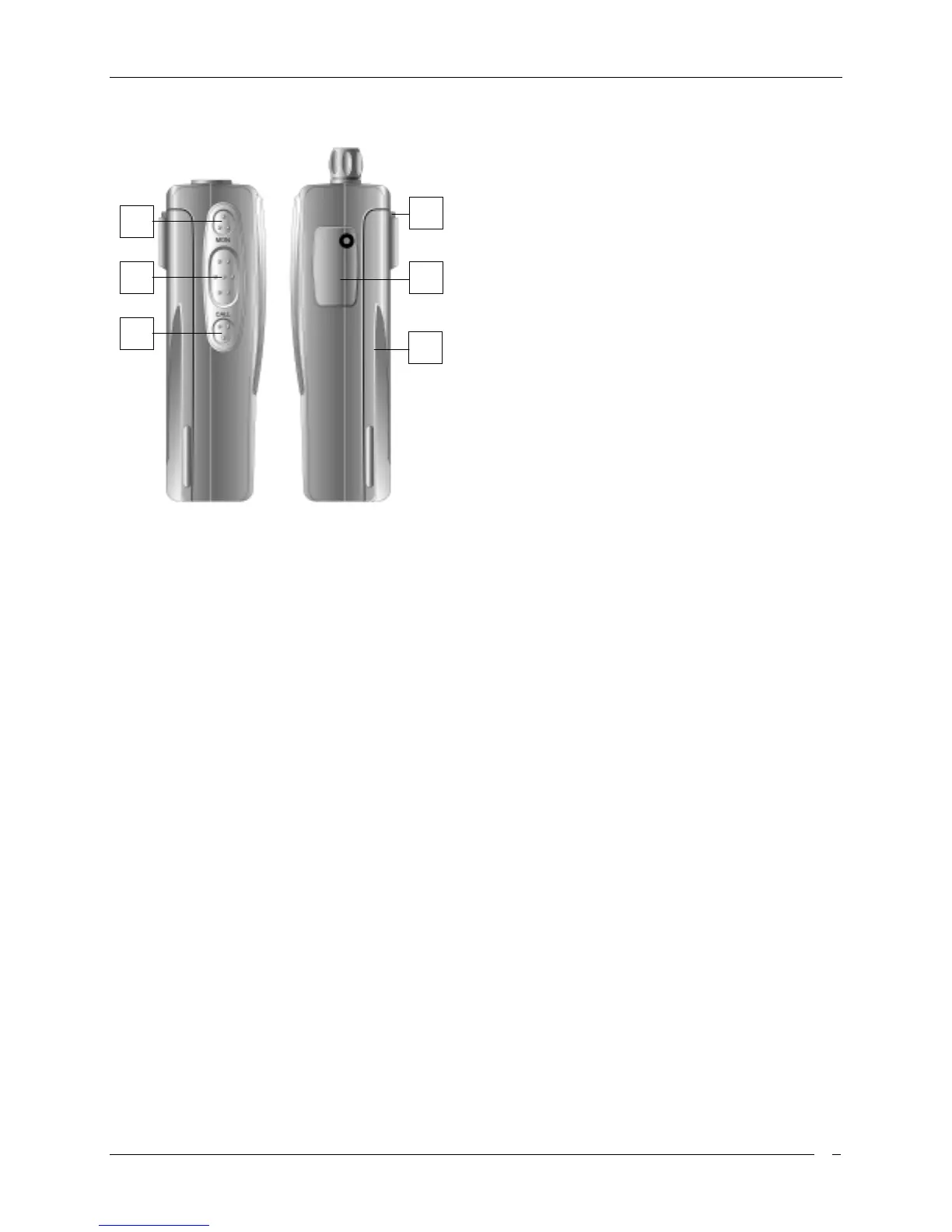
Side (left and right)
[7]
Microphone connector
. For remote
speaker/microphone, headsets for VOX use and
other accessories. It must be protected with the
supplied rubber cap when not in use. For the
related pin connections please see to
“Microphone connection”.
[8]
Battery pack
. This NiMH battery pack supplies
energy to your radio.
[9]
Release
button (located on the battery’s body).
Allows to remove the battery pack
[10]
MON
(monitor) button. Enables the loudspeaker
for audio monitoring of the tuned channel
[11]
PTT
(Push To Talk) button. When pressed
switches the transceiver from reception to
transmission
[12]
FUN
(Function) button. Enables VOX and Scan
Function. See VOX and Scan chapters.
10
11
12
7
8
9



 To Next Page