EasyManua.ls Logo

ALC AWF51 SightHD - User Manual

ALC AWF51 SightHD
50 pages
Print Icon
To Next Page IconTo Next Page
Loading...
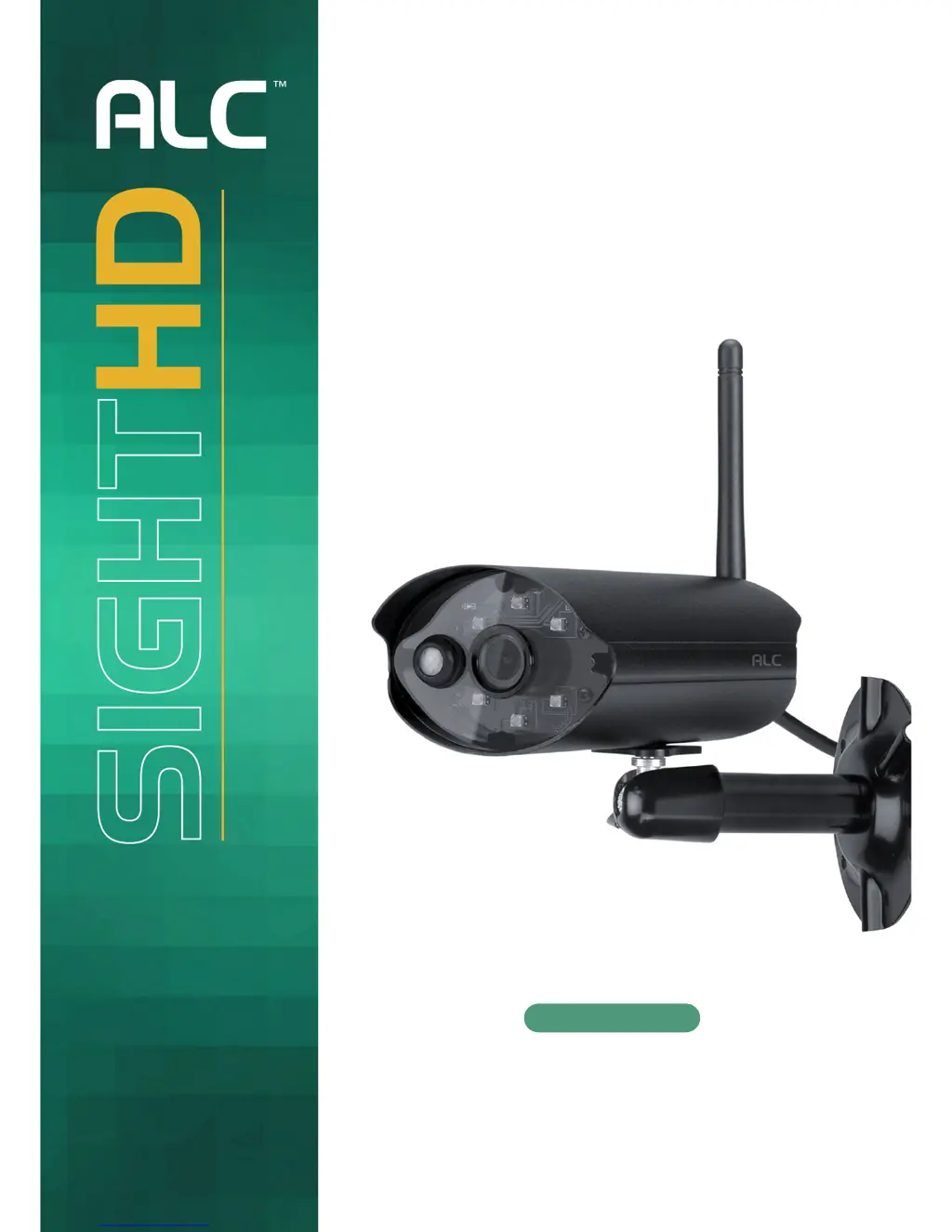
720p Outdoor
Wi-Fi Camera
User Guide
Please read these instructions completely
before operating this product.
Model AWF51
Wireless Made Simple.
Remote Monitoring Anytime from Anywhere

Questions and Answers

  • B
    bconradAug 15, 2025
    How to fix ALC Security Camera when app cannot locate the camera?
    • C
      Courtney KentAug 15, 2025
      If the ALC Security Camera app can't find your camera, verify that the camera is powered on, your network supports DHCP, and both the camera and your mobile device are connected to the same network or router. Also, ensure that the home network is selected. If issues persist, use the 'Add Camera' feature to manually add the camera.
  • R
    Robert PooleAug 18, 2025
    Why no image appears on my ALC AWF51 SightHD?
    • O
      Olivia MartinezAug 18, 2025
      If no image appears on your ALC Security Camera, first ensure the camera is powered on and the power adapter is working correctly and plugged into a functioning electrical outlet. Check that the camera is properly configured in the app and that your mobile device has a stable 3G/4G/Wi-Fi connection. If the issue remains, try relocating the camera for better wireless signal reception.
  • R
    randalldouglasAug 21, 2025
    What to do if ALC AWF51 SightHD app cannot record video clips?
    • P
      Patricia HarveyAug 21, 2025
      If the ALC Security Camera app isn't recording video clips, ensure the camera is powered on and the MicroSD card is correctly inserted. Verify that motion detection is enabled. Format the MicroSD card if it's the first time you're using it, and make sure you're using a Class 10 rated memory card.
  • T
    Taylor RodriguezAug 25, 2025
    Why is email alert not working on my ALC Security Camera?
    • C
      cruzmaryAug 26, 2025
      If the email alert function on your ALC Security Camera isn't working, first ensure that the email alert function is enabled and that you have correctly entered the email address. It's recommended to use a Gmail account for this function. Also, make sure you've configured the system settings as outlined in the Email Alert setup guide.
  • R
    richardlittleAug 28, 2025
    How to fix wrong date and time on ALC AWF51 SightHD?
    • M
      Matthew LewisAug 28, 2025
      If your ALC Security Camera displays the wrong date and time, ensure you've selected the correct time zone. Confirm that the system date and time on your mobile device are accurate to ensure proper operation. The clock will set itself when connected to the internet, so make sure the system is properly connected. You can also use your mobile device to check if remote viewing is functioning correctly.
  • K
    Karl WillisAug 31, 2025
    Why motion sensor does not respond to movement on ALC AWF51 SightHD?
    • T
      trevorbrewerAug 31, 2025
      If the motion sensor on your ALC Security Camera isn't responding to movement, first make sure a MicroSD card is inserted into the camera. Also, consider that the sensor might not be triggered if there's no actual movement detected, meaning there are no moving objects within its range.
  • L
    Lisa BrownSep 4, 2025
    How to solve memory card error on ALC AWF51 SightHD?
    • J
      jonathongreerSep 4, 2025
      If you're getting a memory card error with your ALC Security Camera, ensure the microSD card is correctly inserted and formatted. Also, verify that you are using a Class 10 rated memory card.
  • N
    ncooperSep 7, 2025
    Why does ALC Security Camera show a white image at night?
    • S
      Sarah WardSep 7, 2025
      If a white image appears at night on your ALC Security Camera, it might be due to the camera’s infrared LEDs reflecting off surfaces like glass. To improve night vision, try placing the camera on the other side of the window or in a well-lit area. Installing a security lamp can also enhance the lighting.
  • A
    Amanda RuizSep 12, 2025
    How to improve poor picture quality on ALC AWF51 SightHD Security Camera?
    • T
      Taylor ChurchSep 12, 2025
      To improve poor picture quality on your ALC Security Camera, clean the camera lens using a microfiber cloth.

Summary

Safety Instructions

Important Safety Instructions

Essential safety precautions and warnings for product operation.

Service Safety Instructions

Guidelines for safe product maintenance and operation.

Introduction

Installation

Installing the Camera

Step-by-step instructions for mounting the camera.

Remote Access and App Features

Connecting via Android App

Steps for setting up the camera using the Android ALC SightHD app.

Connecting via Apple App

Steps for setting up the camera using the iOS ALC SightHD app.

Maintenance, Updates, and Troubleshooting

Troubleshooting Common Issues

Solutions for common problems with the camera system.

ALC AWF51 SightHD Specifications

General IconGeneral
Resolution1920x1080 (Full HD)
Night VisionYes
ConnectivityWi-Fi
StorageMicroSD card (up to 128GB)
Motion DetectionYes
WeatherproofIP66
Operating Temperature-20°C to 50°C
Power Supply5V DC, 1A

Related product manuals