EasyManua.ls Logo

ALC Observer AWSC336 - User Manual

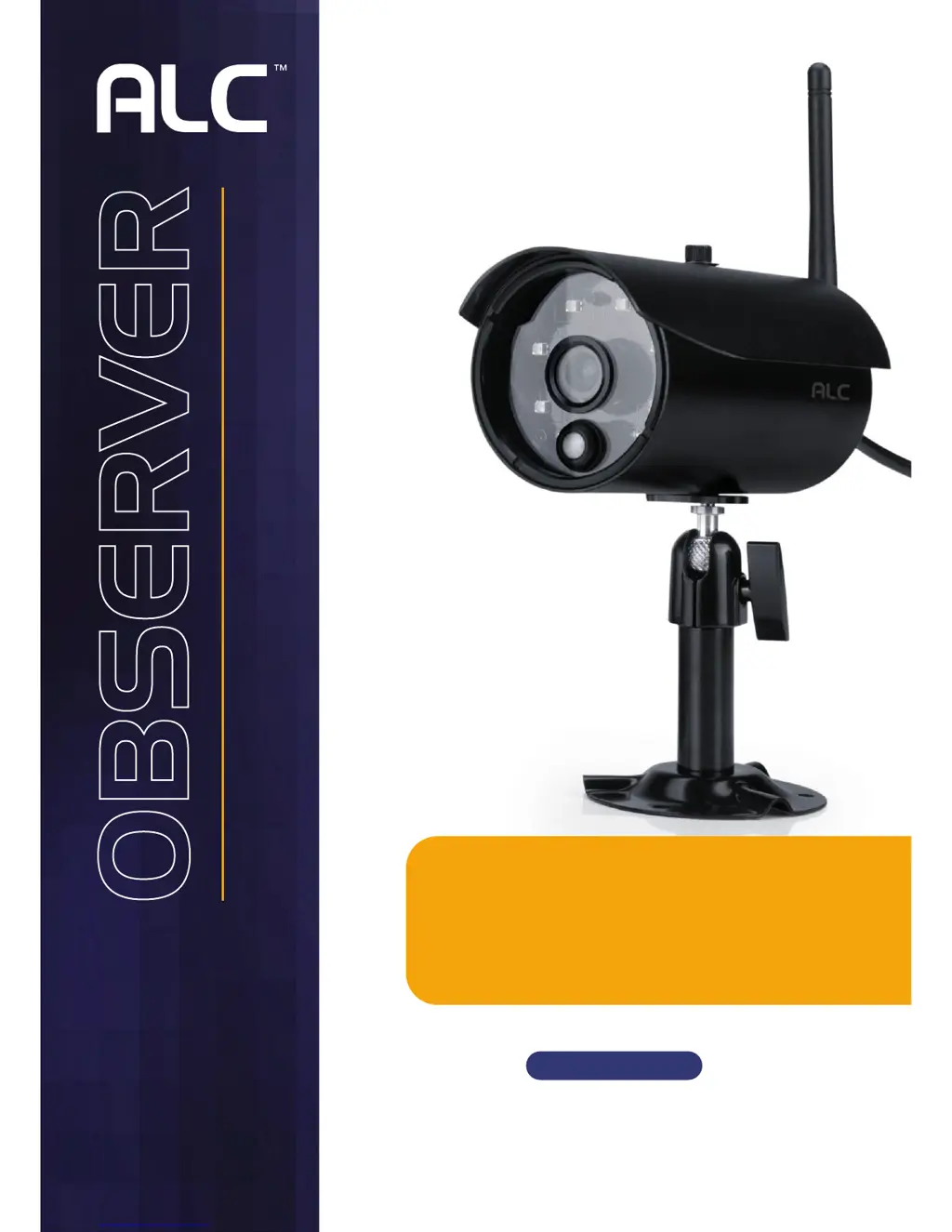
ALC Observer AWSC336
11 pages
Print Icon
To Next Page IconTo Next Page
Loading...
Model AWSC36
Wireless Made Simple.
Wireless Outdoor
Surveillance Camera
Remote Monitoring Anytime from Anywhere
QUICK START GUIDE
ACCESSORY
Compatible with ALC AWS3266 Connected
Video Surveillance System
User Guide
Please read these instructions completely
before operating this product.

Questions and Answers

  • J
    Joshua LopezJul 31, 2025
    What to do if I am unable to pair my ALC Security Camera to the monitor?
    • C
      Catherine PeckJul 31, 2025
      If you're having trouble pairing your ALC Security Camera to the monitor, ensure the camera is powered on. Quickly press and release the pairing button (do not hold it). Try turning the monitor off and restarting it. If the power button is unresponsive, use a pin to press the reset button on the monitor's side.
  • S
    Shannon TaylorAug 5, 2025
    How to fix an ALC Security Camera with no image?
    • B
      Brenda CopelandAug 5, 2025
      If your ALC Security Camera isn't displaying an image, the screen lock might be enabled. Tap the Power button to unlock the screen. Also, verify that the camera's power is on and the monitor is sufficiently charged or connected to the adapter. If the issue persists, try moving the camera closer to the monitor or adjust the antennas on both the camera and monitor for optimal reception.
  • B
    Brenda ScottAug 10, 2025
    Why is standard or scheduled recording not working on my ALC Security Camera?
    • M
      Maureen ThorntonAug 10, 2025
      If standard or scheduled recording isn't functioning correctly on your ALC Security Camera, first, make sure that the date and time are correctly set. Next, verify that the recording schedule is properly configured. Also, ensure that an SD card is inserted into the monitor and has been formatted. Finally, confirm that there is movement detected to trigger the motion sensor.
  • J
    Joshua LeeAug 15, 2025
    How to improve poor picture quality on ALC Security Camera?
    • D
      Dustin SmithAug 15, 2025
      To improve poor picture quality on your ALC Security Camera, try moving the camera closer to the monitor or adjusting the antennas on both the camera and monitor for better reception. Additionally, clean the camera lens with a microfiber cloth.
  • R
    rachel78Aug 20, 2025
    Why does my ALC Security Camera show a white image at night?
    • E
      Eric SnyderAug 21, 2025
      If your ALC Security Camera displays a white image at night, it's likely due to the camera's infra-red LEDs reflecting off surfaces like glass. To resolve this, position the camera on the opposite side of the window to enhance night vision, or place it in a well-lit area, such as by installing a security lamp to improve lighting.
  • D
    Derek MolinaAug 26, 2025
    What to do if the motion sensor on my ALC Security Camera isn't responding?
    • C
      Caitlyn SmithAug 26, 2025
      If the motion sensor on your ALC Security Camera isn't responding to movement, try adjusting the sensitivity settings of the motion sensor. Also, check the settings on the Record screen.

Summary

Important Safety Instructions

Strangulation Hazard Warning

Warning regarding strangulation hazard from power cords and infants.

Important Service Safety Instructions

Installation

Installation Tips

Provides advice for optimal camera placement and signal reception.

Installing the Camera(s)

Step-by-step guide for mounting and connecting the camera hardware.

Camera Pairing

Introduces new cameras to the system so they can communicate.

Troubleshooting

Product Specifications

Warranty

ALC Observer AWSC336 Specifications

General IconGeneral
BrandALC
ModelObserver AWSC336
CategorySecurity Camera
LanguageEnglish

Related product manuals