EasyManua.ls Logo

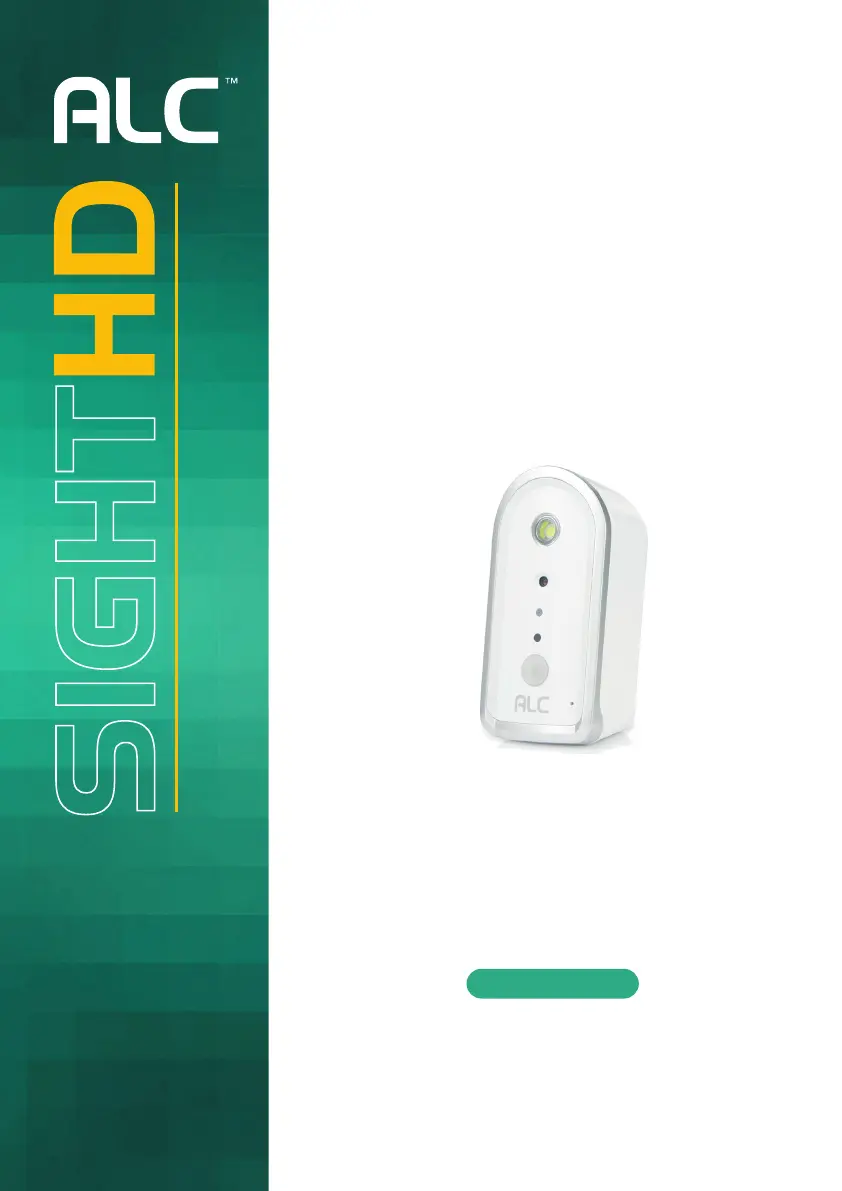
ALC SightHD SensorCam - User Manual

ALC SightHD SensorCam
59 pages
Print Icon
To Next Page IconTo Next Page
Loading...
SensorCam
User Guide
Please read these instructions completely
before operating this product.
Model AWFB17R
Wireless Made Simple.
Remote Monitoring Anytime from Anywhere

Questions and Answers

  • J
    Jennifer MooreAug 13, 2025
    Why ALC Security Camera App cannot locate the camera?
    • R
      Richard MillerAug 13, 2025
      If the ALC Security Camera App cannot locate the camera, verify that the camera's power is on, your network supports DHCP protocol, and both the camera and your mobile device are connected to the same network or router. You may also need to manually add the camera using the 'Add Camera' feature and ensure that the home network is selected.
  • R
    Rodney ChapmanAug 17, 2025
    What to do if my ALC Security Camera App cannot record any video clips?
    • P
      Pam CisnerosAug 17, 2025
      If the ALC Security Camera App is unable to record video clips, ensure that the camera is powered on, the MicroSD card is correctly inserted, and the Motion Enable setting is activated. Format the MicroSD card upon its first use and confirm that you are using a Class 10 rated memory card.
  • J
    joy52Aug 20, 2025
    Why does my ALC SightHD SensorCam Security Camera show no image?
    • N
      ndouglasAug 21, 2025
      If no image appears from your ALC Security Camera, first ensure the camera is powered on and the power adapter is functional and plugged into a working electrical outlet. Then, try relocating the camera for better wireless signal reception. Also, check that the camera is properly configured in the app and that your mobile device has a stable 3G/4G/Wi-Fi connection.
  • B
    brownvictoriaAug 25, 2025
    What to do if my ALC SightHD SensorCam Security Camera memory card has error?
    • A
      Amber EllisAug 26, 2025
      If your ALC Security Camera displays a memory card error, ensure that the MicroSD card is correctly inserted and formatted. Also, make sure you are using a Class 10 rated memory card.
  • P
    pyangAug 28, 2025
    How to fix poor picture quality on ALC Security Camera?
    • V
      Vickie HooverAug 28, 2025
      To improve the picture quality on your ALC Security Camera, try cleaning the camera lens with a microfiber cloth. You can also change the video resolution to HD for a better picture.
  • K
    Kimberly GreenSep 1, 2025
    Why does ALC SightHD SensorCam show wrong date and time?
    • B
      Brian PowersSep 1, 2025
      If your ALC Security Camera displays the wrong date and time, ensure the system is properly connected to the internet, as the clock will set itself when connected. You can also use your mobile device to access the system to see if remote view is functioning properly.
  • T
    Tiffany AcevedoSep 5, 2025
    Why does my ALC SightHD SensorCam show a white image at night?
    • P
      Patricia SmithSep 5, 2025
      A white image may appear at night on your ALC Security Camera because the camera’s LED light reflects off surfaces like glass, causing the white light effect.
  • C
    Cynthia ClarkSep 9, 2025
    Why is the motion sensor on my ALC SightHD SensorCam Security Camera not responding?
    • O
      omatthewsSep 9, 2025
      If the motion sensor on your ALC Security Camera isn't responding, first ensure that the Motion Enable setting is turned on. Also, consider that the sensor might not be triggered if there is no moving object detected.

Summary

Important Safety Instructions

Product Safety and Warnings

General safety precautions, electrical hazards, and warnings for safe operation.

Battery Precautions

Guidelines for safe handling and usage of batteries to prevent hazards.

Camera Installation Guide

Remote Access and App Usage

Connecting via Android App

Step-by-step guide for setting up the camera with the Android ALC SightHD app.

Connecting via Apple App

Step-by-step guide for setting up the camera with the Apple ALC SightHD app.

Troubleshooting Common Issues

Common App Issues

Provides solutions for common problems like app not locating the camera or no image.

Recording and Sensor Issues

Offers solutions for recording failures and motion sensor issues.

ALC SightHD SensorCam Specifications

General IconGeneral
Resolution1080p Full HD
Motion DetectionYes
AudioTwo-way audio
Weather ResistanceIP65
TypeSecurity Camera
StorageMicroSD card up to 128GB
ConnectivityWi-Fi
Power SourceBattery

Related product manuals