— 17 —— 16 —
REMOTE ACCESS
Connecting Via the Apple App
u
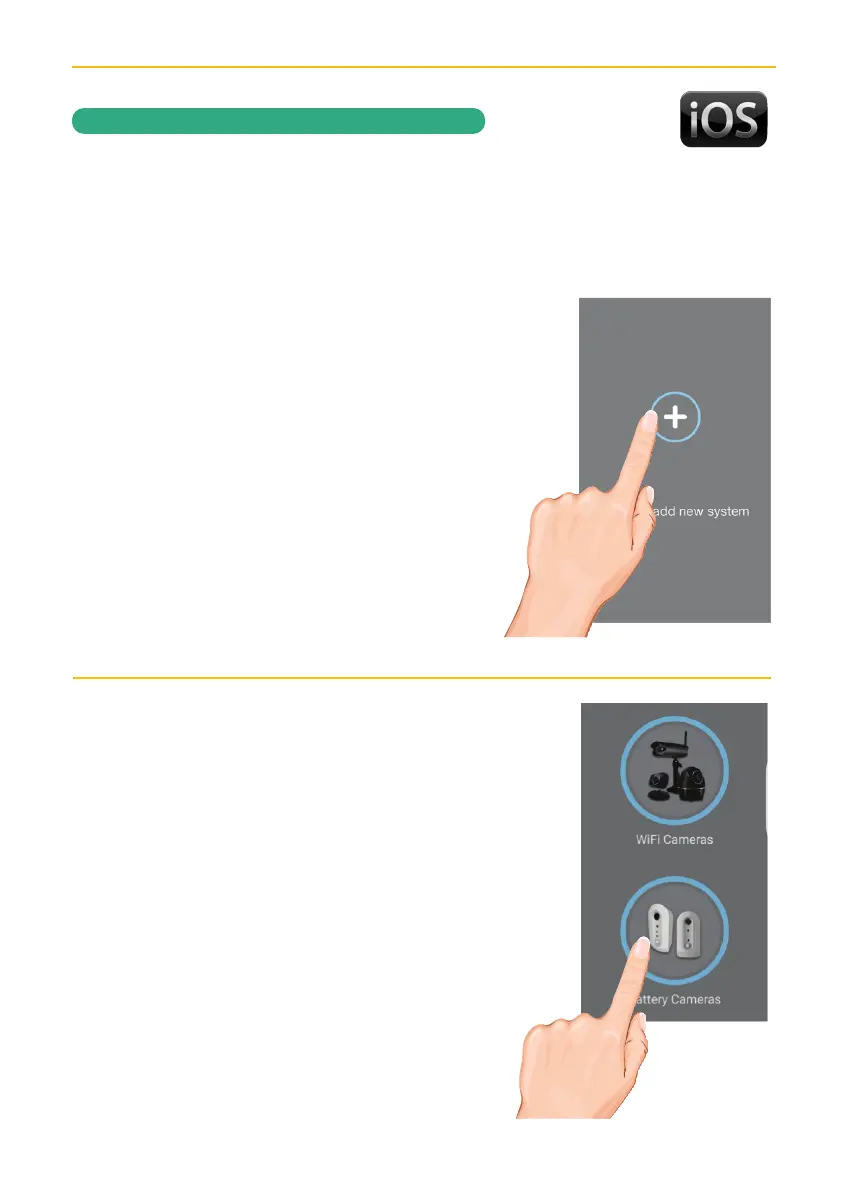
Launch the ALC SightHD App and the
Setup Wizard screen will appear.
Tap “+” to add a new system.
v
Tap Battery Cameras.
Prior to beginning, ensure that your iPhone is connected to your Wi-Fi network. This network
must be a 2.4GHz Wi-Fi connection, not a 5GHz connection. 2.4GHz is the most common.



 To Next Page