Alcatel User Guide 4400/4034 4
The programmable keys
Your extension has 19 keys with icons which are
programmable either by you or by the installer. They
make it possible to:
• call an internal or external number by pushing a
single button;
• access a function.
To program the keys on your extension to suit your
individual needs consult the section “ customising your
extension” .
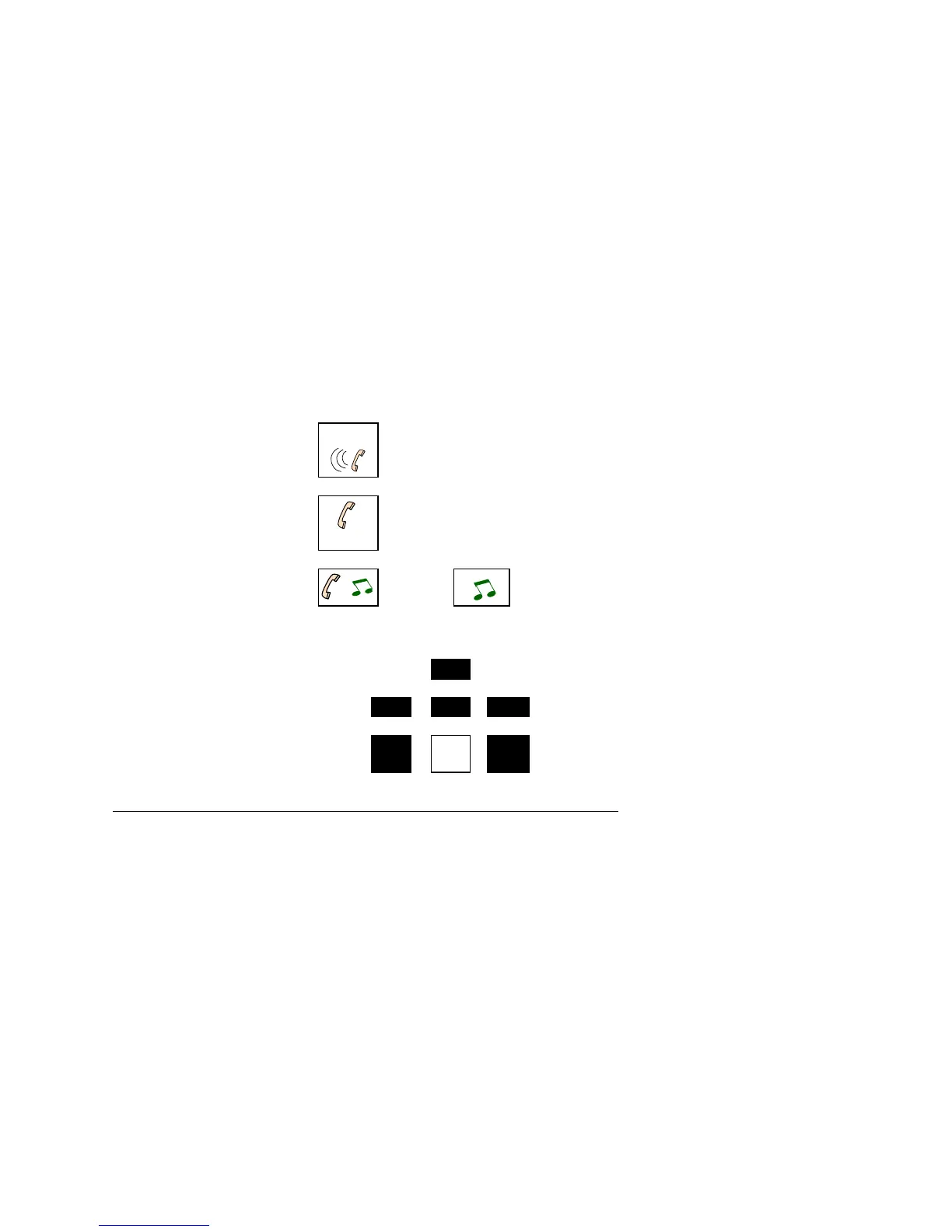
The icons
There is a visual guide called an icon associated with
each of the programmable and function keys. These icons
carry information on:
a call:
• Call in progress
(flashing)
• Conversation in
progress
• Call on hold
or
features:
• Feature inactive
• Feature activated
• Feature needing your
attention
legend:



 To Next Page