Transferring calls in the office
A call comes in
The word ‘Hold’ appears beside a soft key on the
main display
Press ‘Hold’
Dial the extension or use the add-on module to
go directly to the person required
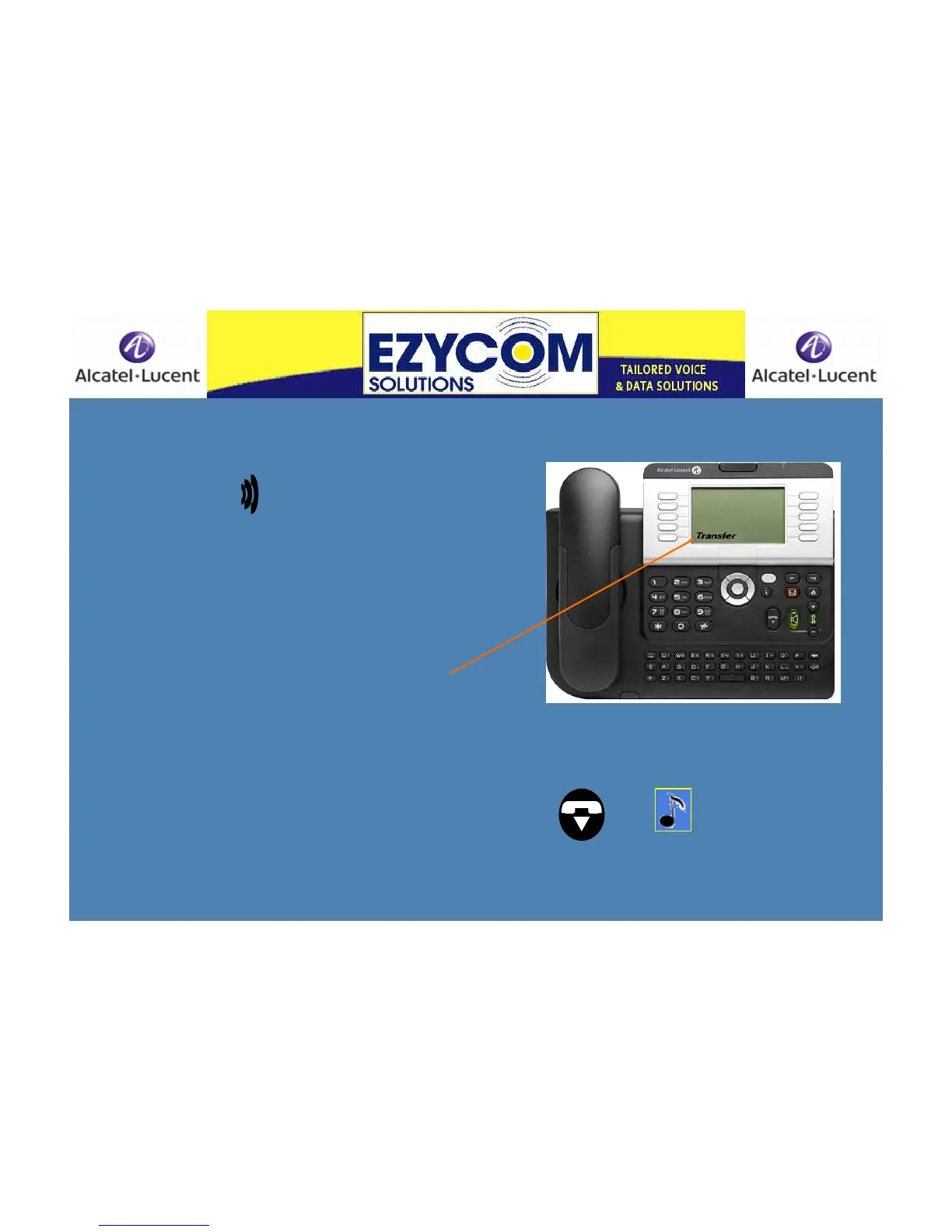
The word ‘Transfer’ appears on the display
beside a soft key
Either speak to the call recipient or press
‘Transfer’ immediately and the incoming call will
go to
them in person or to their voicemail
‘Transfer accept’ will appear on the display as
the transfer connects
Hang up
If the call recipient does not want to take
the call you must hang up from that
connection to pick up the call on hold
Press then to speak to the caller
on hold
Hold












 To Next Page