16
4�6 Import/Export Contacts
On the contacts list screen, press the Right Soft Key to access Options, select Settings > Import contacts/Export
contacts to import/export contacts from/to memory card, Gmail, Outlook, or Bluetooth.
4�7 Speed Dial Contacts
On the contacts list screen, press the Right Soft Key to access Options, select Settings > Set speed dial contacts,
use the Navigation Key to select 2-9, press the Right Soft Key
to add a contact then press the Center Soft Key
to confirm.
On the Home screen, long press the 2-9 screen keys to dial the defined contacts.
4�8 Available Options
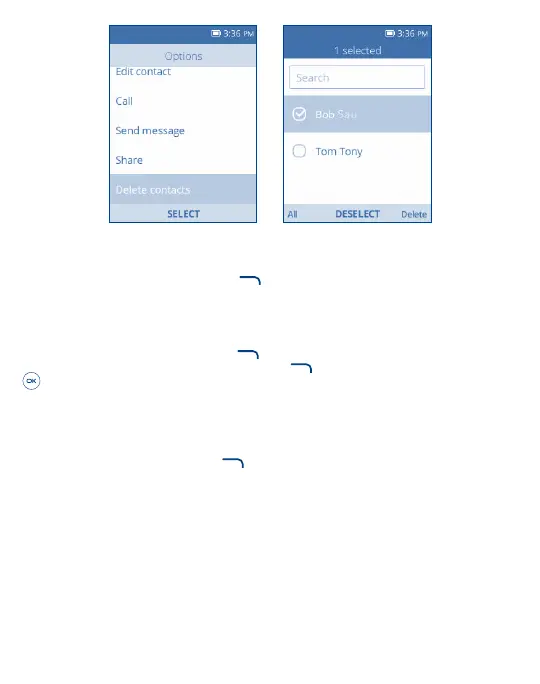
From the contacts list, press the Right Soft Key to show more options.
Call
Make a call to the selected contact.
Send message
Send an SMS/MMS to a contact you selected from Contacts.
Move/Copy contacts
Move or Copy contacts from/to Phone memory to/from SIM card.



 To Next Page