16
PHONE SETTINGS
CHANGE PHONE SETTINGS
You have the ability to personalize
settings on your phone so it fits
your needs even better.
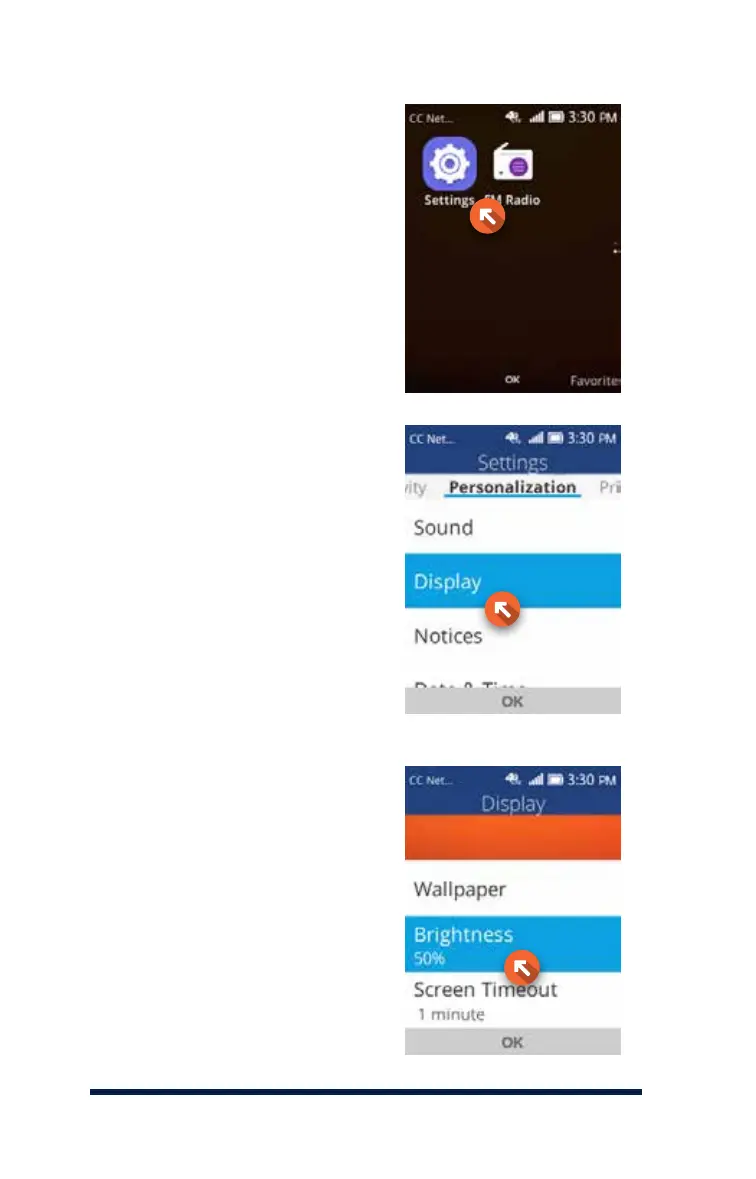
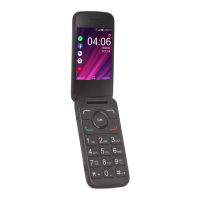
To access your phone’s settings,
select Menu by pressing the OK Key,
then Settings by scrolling down
and pressing the OK Key.
BRIGHTNESS
To adjust your screen brightness,
scroll to Display, then press the
OK Key.
Scroll to Brightness, then press
the OK Key.









 To Next Page