6
ENTERING TEXT AND SYMBOLS
ENTERING TEXT
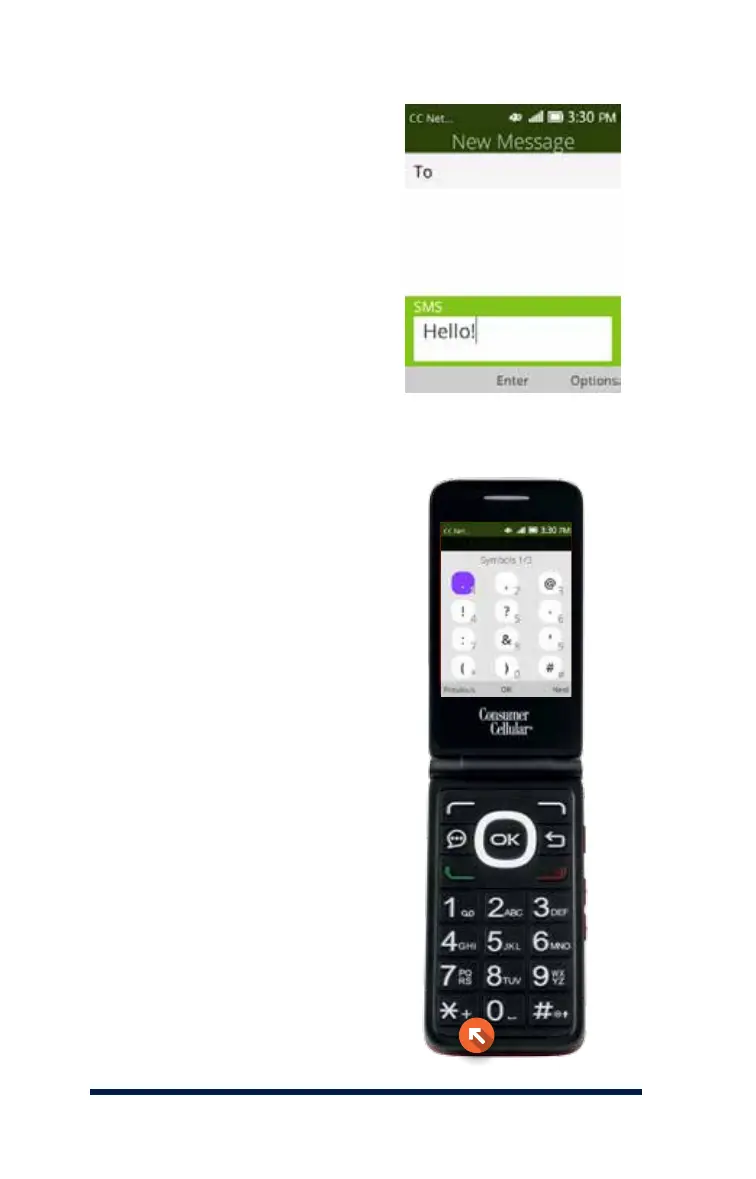
To enter text into your phone
in any input mode, press a
numerical key repeatedly until
the desired character is shown.
For instance, the letters A, B and
C can be accessed by pressing
the number 2 button on the
keypad. If repeating entries on
the same key, you will need
to wait a few seconds before
entering the next character.
ENTERING SYMBOLS
You can enter a symbol in any
input mode. Press the Star Key
to display a list of symbols. Press
the Navigation Keys to scroll to
the desired symbol, then press
the OK Key to enter the symbol.














 To Next Page