5
MAKING AND ENDING CALLS
MAKING A CALL
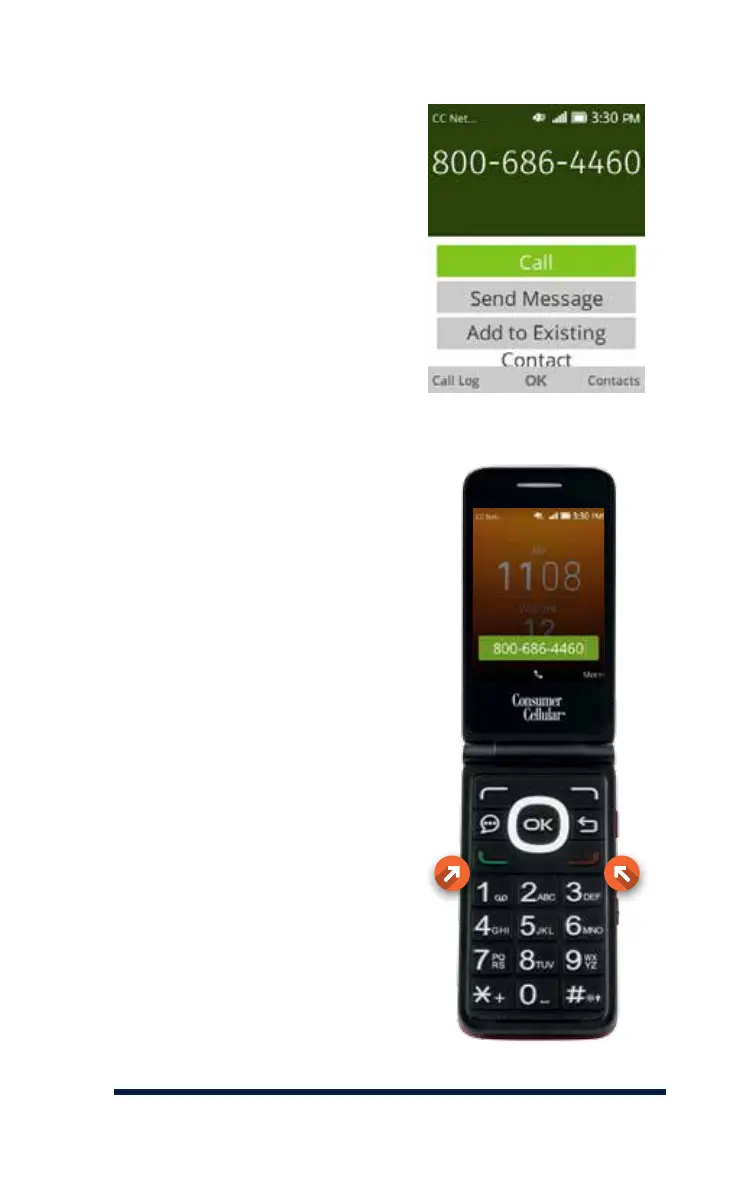
If you would like to make a
call, enter the phone number,
including the area code, by
pressing the numbers on the
keypad, then press the green
Send Key (Call) to dial the number.
RECEIVING A CALL
When a call comes in, all you
need to do to answer is open the
flip cover. If the phone is already
open, press the green Send Key
to answer it, or the red End Key
to reject it.
ENDING A CALL
When you are finished with your
conversation, press the red End
Key or close the flip cover to end
the call.














 To Next Page