17
PHONE SETTINGS
RINGTONE VOLUME
To adjust your ringtone volume, simply
press the Volume Up/Down Keys
on the right edge of your phone
when on the Home Screen. To
silence your phone, push the
Volume Down Key multiple times
until the phone vibrates.
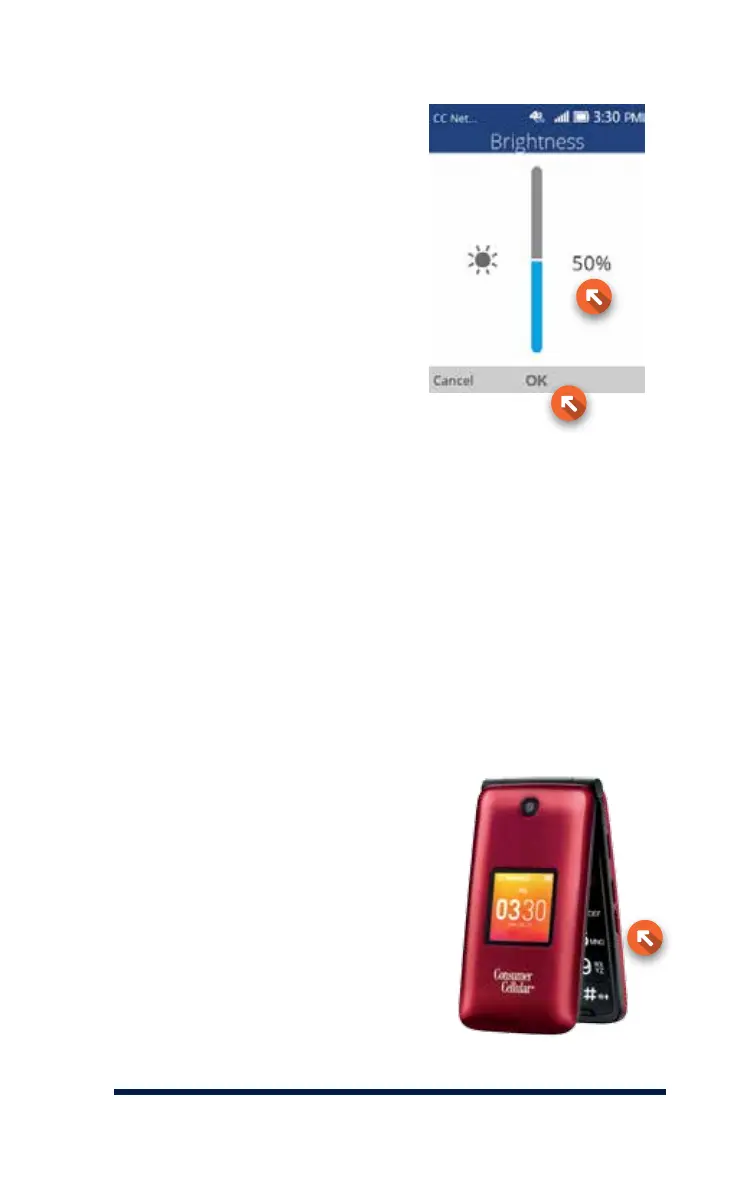
Use the Navigation Keys to choose
a brightness level, then press the
OK Key to save your changes.












 To Next Page