99
4.
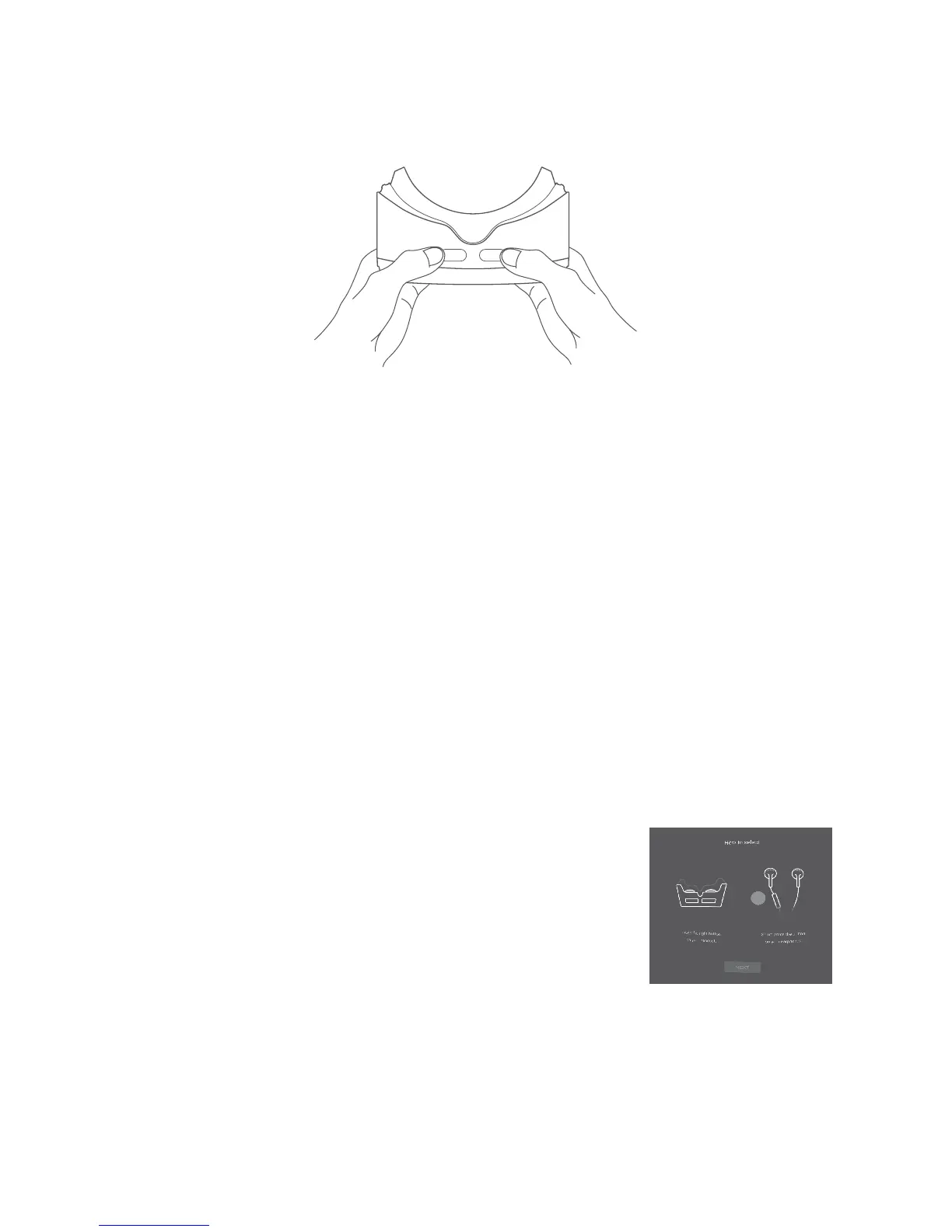
Hold the VR goggles with two hands. Find the BACK and SELECT
buttons on the bottom.
The buttons are touch-sensitive and don’t need to be pressed down.
Notes:
•Keep the lenses clean and unscratched. You can clean them with the
lens cleaning cloth.
•The foam cushioning might deteriorate over time from sweat. Keep
your face clean and dry while wearing the VR goggles.
12�1�3 Configuring the VR Launcher
Follow these steps in VR mode after starting VR Launcher.
Note: The VR goggles recognize your head movement. You can move
the pointer in the center of the screen by moving your head in any
direction. Some applications might not display the pointer.
1.
To interact while using the VR goggles, touch
the “SELECT” button or short press the
button on your earphones while aiming the
pointer at an icon.











 To Next Page