6
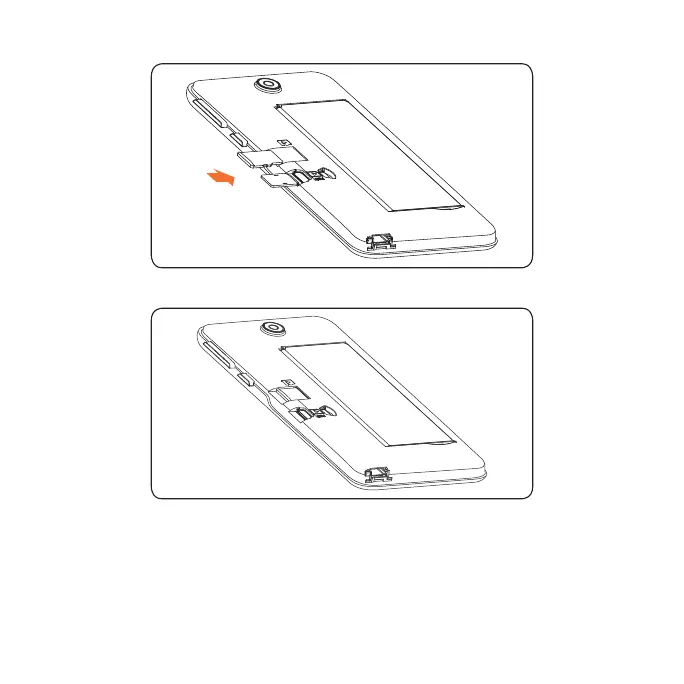
2. Insert the SIM card and microSD
TM
card as shown in the illustration below.
Mi cr o SD
SI M
3. Ensure that SIM and microSD
TM
cards have been properly secured.
Mi cro SD
SIM
Note: microSD
TM
card sold separately.
WARNING: To avoid damage to the phone, only use a standard NANO SIM
card provided by your service provider.













 To Next Page