7
Some applications may require a microSD
TM
card to work normally or to store
data. Therefore, it is recommended that you keep a microSD
TM
card installed.
Charging the battery
Your phone’s battery should have enough power for the phone to power on,
acquire a signal, and place several calls. You should fully charge the battery
as soon as possible.
When the battery is low, a low-battery warning icon will appear on the
screen.
If the battery is extremely low, you may be unable to power on the phone
even when it is being charged. In this case, try again after charging the
phone for at least 10 minutes.
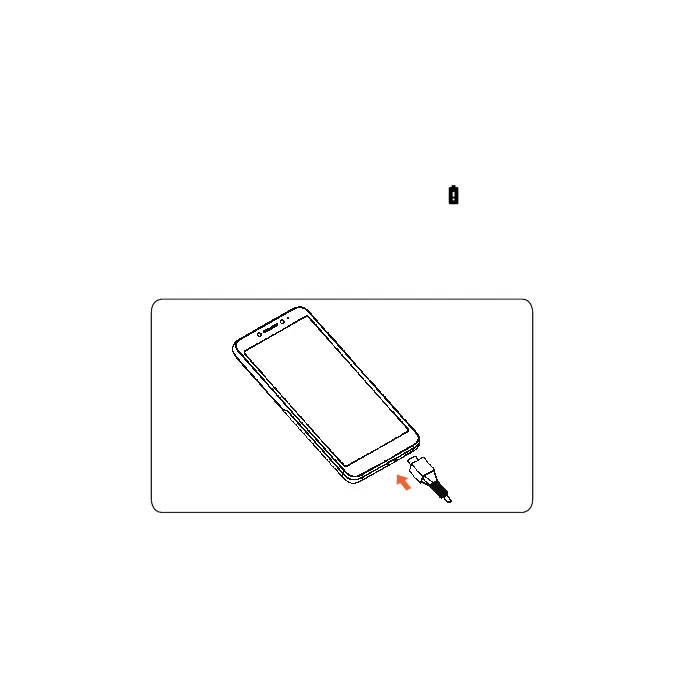
1. Insert the charger’s connector into the charging port. Be sure to insert the
connector in the correct orientation. Do not force the connector into the
port.
2. Plug the charger into a standard AC wall outlet.













 To Next Page