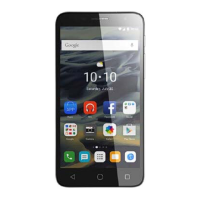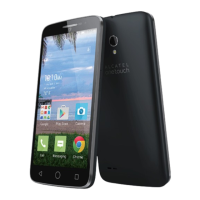
EasyManua.ls Logo

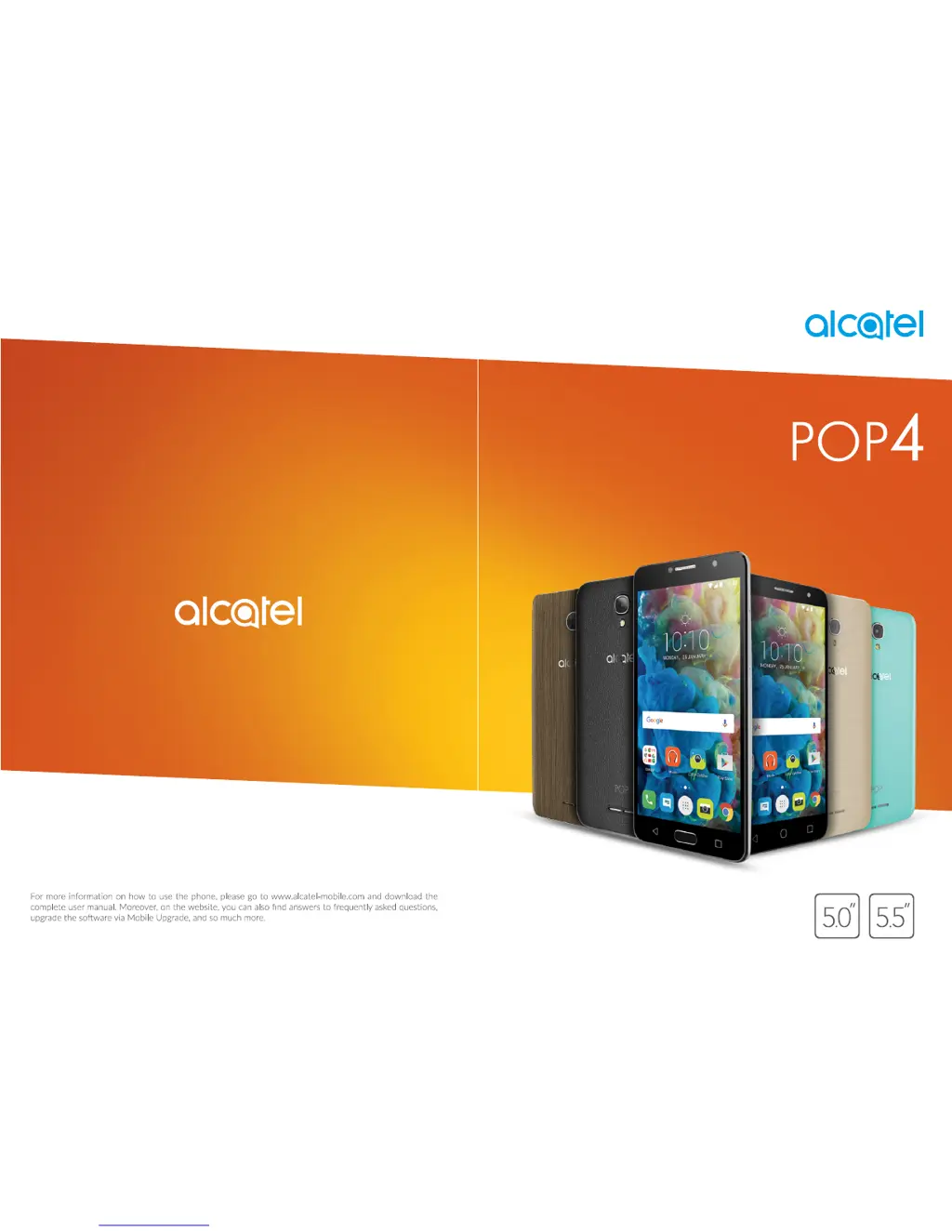
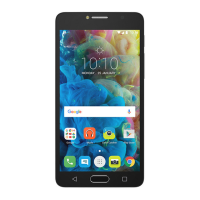
Alcatel POP4 - User Manual

Alcatel POP4
52 pages
Print Icon
To Next Page IconTo Next Page
Loading...

Questions and Answers

  • D
    Dr. Pamela DavisAug 27, 2025
    What to do if my Alcatel Cell Phone has not responded for several minutes?
    • D
      Darrell WallsAug 27, 2025
      If your Alcatel Cell Phone has stopped responding, you can restart it by pressing and holding the power key. If that doesn't work, you can try resetting the phone using Factory data reset or upgrading the software using Mobile Upgrade.
  • J
    John GibsonAug 26, 2025
    What to do if my Alcatel POP4 Cell Phone asks me to enter some password/code/key that I don’t remember?
    • J
      jordanmichaelAug 27, 2025
      If your Alcatel Cell Phone asks for a password/code/key that you don’t remember, it could be due to a security feature. You can try a Factory data reset. If that doesn't work, you may need to visit an authorized repair center, but note that this might not be covered under warranty.
  • W
    William HuntAug 25, 2025
    What to do if SIM card PIN locked on Alcatel POP4 Cell Phone?
    • C
      carlos09Aug 26, 2025
      If your SIM card is PIN locked on your Alcatel Cell Phone, contact your network operator to obtain the PUK code (Personal Unblocking Key).
  • S
    sarahallenAug 23, 2025
    What to do if my Alcatel POP4 shows 'Invalid SIM card'?
    • G
      geraldgonzalesAug 25, 2025
      If your Alcatel Cell Phone displays 'Invalid SIM card', make sure the SIM card is correctly inserted. Also, check that the chip on the SIM card isn't damaged or scratched. Finally, ensure that the SIM card service is active.

Summary

Safety and Use

Protect Your Hearing

Advice to prevent hearing damage from high volume levels and caution with loudspeaker use.

Your Mobile

Getting Started

Initial setup steps including SIM card insertion, charging, and powering on/off.

Home Screen

Overview of the main phone interface, navigation elements, and app access.

Text Input

Using the Onscreen Keyboard

Settings and usage of the virtual keyboard for text entry and text editing.

Call, Call Log and Contacts

Phone Call

Making, receiving, managing calls, and configuring call settings.

Contacts

Creating, managing, editing, and synchronizing contact information.

Messaging

Write a New Message

Composing and sending SMS and MMS messages, including attachments.

Calendar & Alarm Clock & Calculator

Getting Connected

Connecting to the Internet

Establishing internet connections via GPRS/3G/4G or Wi-Fi.

Connecting to Bluetooth Devices

Pairing and connecting to other Bluetooth-enabled devices for data exchange.

Multimedia Applications

Camera

Taking photos and shooting videos with various shooting modes and settings.

Google Applications

Settings

Wireless & Networks

Managing Wi-Fi, Bluetooth, mobile networks, data usage, and airplane mode.

Device

Customizing display, lock screen, sound, apps, storage, battery, and memory settings.

Personal

Configuring gestures, location services, security, accounts, and language settings.

System

Managing date/time, accessibility, printing, regulatory info, developer options, and about phone.

Update Your Phones Software

Troubleshooting

Alcatel POP4 Specifications

General IconGeneral
BrandAlcatel
ModelPOP4
CategoryCell Phone
LanguageEnglish

Related product manuals