REF: WM4 User Manual V7.docx Page 28 © Alcolizer Technology
10.2 Export
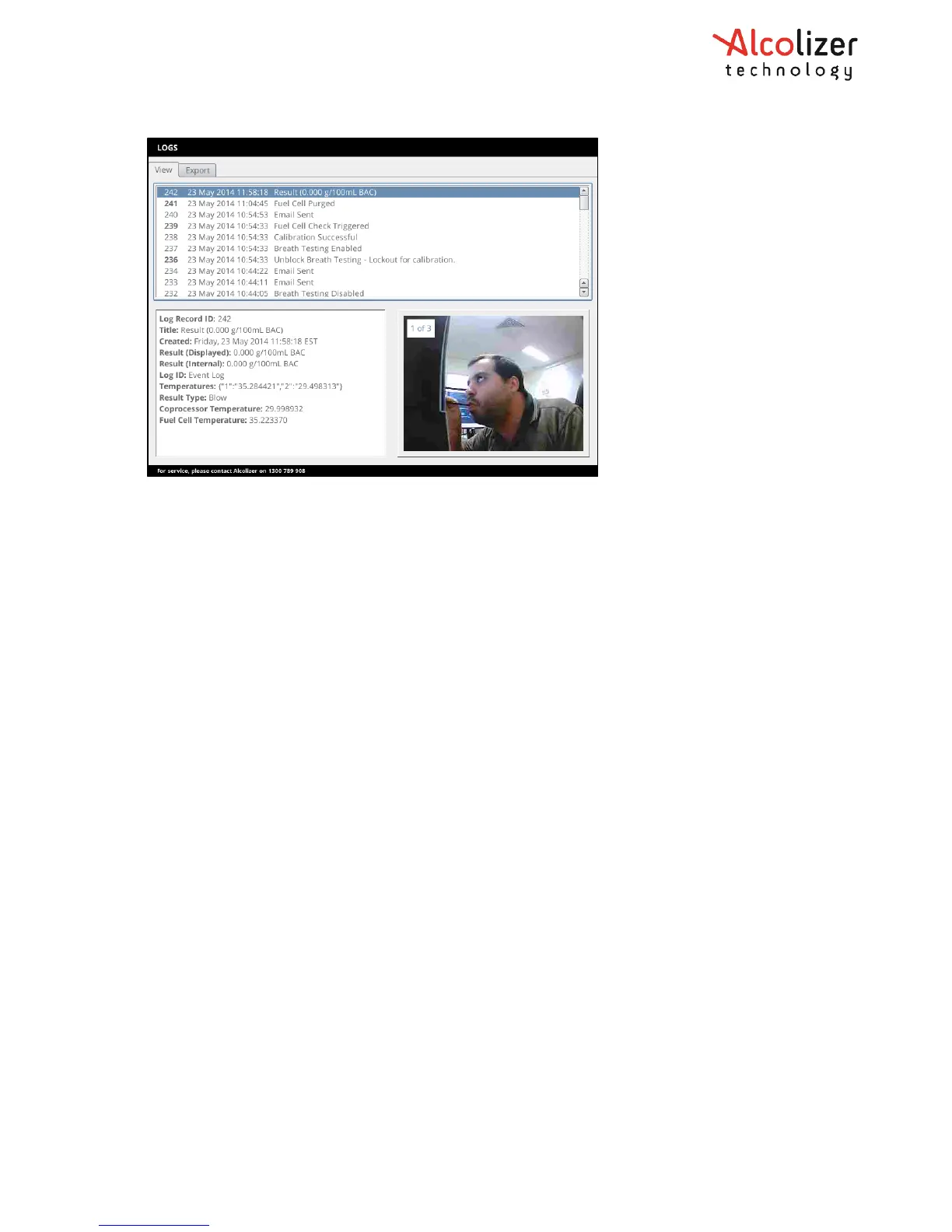
Logs can be exported from the instrument into USB flash drive both by using the
Save button on the Export page or automatically when a USB flash drive is inserted if
configured to do so.
Alternatively, the records can be exported by inserting a USB flash drive and pressing FN4
on the PCBA. Refer to paragraph 6.1 to see button location.
These are the formats which logs can be exported:
• CSV: Comma Separated Values with one log record per row and record fields separated by
commas within rows. This is suitable for import into most spreadsheet applications.
• JSON: JavaScript Object Notation in a format suitable for integration with automated
systems.
It is also possible to erase the current event log records on the device using the Erase Event
Log button.



 To Next Page