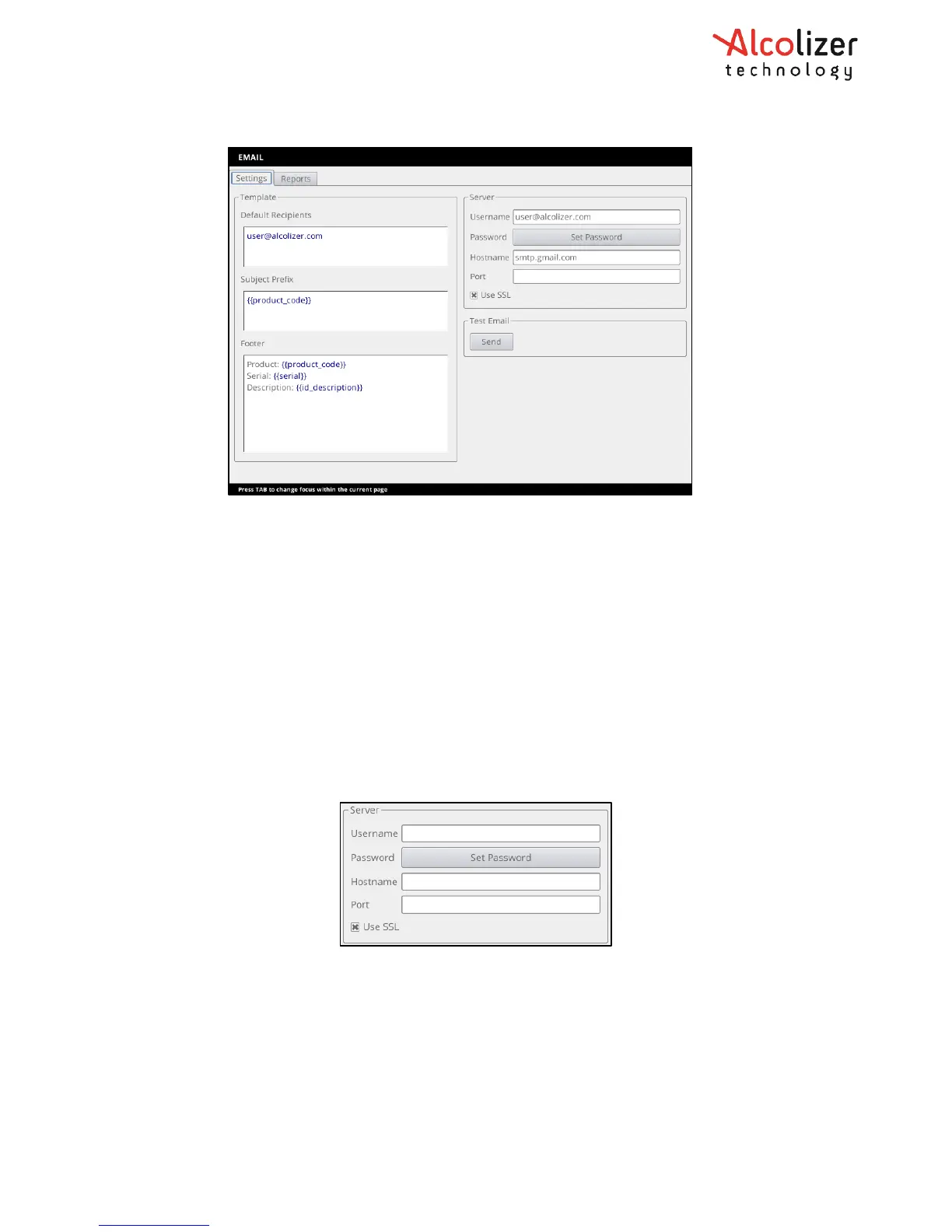
12.1.2 Settings – Mail server
The Mail Server panel allows configuration of the email account used by the instrument to
send emails. This must be a valid email account as it would be configured in a desktop email
program.
• Username: The username (typically an email address) used to log into the SMTP server.
• Password: Password associated with the specified username. Pressing the password button
clears the current password and shows a text editor to enter a replacement password. The
password characters are obscured by default; press the “eye” icon to temporarily display the
password characters.
• Hostname: URL of the SMTP server (e.g. smtp.gmail.com).
• Port: The TCP/IP port number used by the SMTP server. Leave blank to use a default value.
• Use SSL: If enabled then use secure sockets layer to connect to the SMTP server.
12.1.3 Test Mail
The Test Email panel allows sending a test email from the system, confirm email settings
and provide feedback on any issues the instrument has sending emails.
Activating Send will initiate a test email with the current configuration. The Test Email panel
will then report the status of sending the email and if it fails, indicate information about
how sending the test email failed. Due to the very long time out periods specified for email
configuration, if there is an issue with the Mail Server settings, it can take a very long time



 To Next Page