INSTRUCTION MANUAL 10
WARNING! Do not attempt another breath test until you
are certain that your alcohol level is under the preset
limit. A second failed breath test may result in a longer
lockout time (refer to your Compliance Guide).
NOTE: The results of all breath tests are recorded in
memory and are downloaded during routine monitoring
appointments. Any instance of alcohol detected in the
breath samples may be considered a Program Violation.
Refer to your Compliance Guide for program conditions.
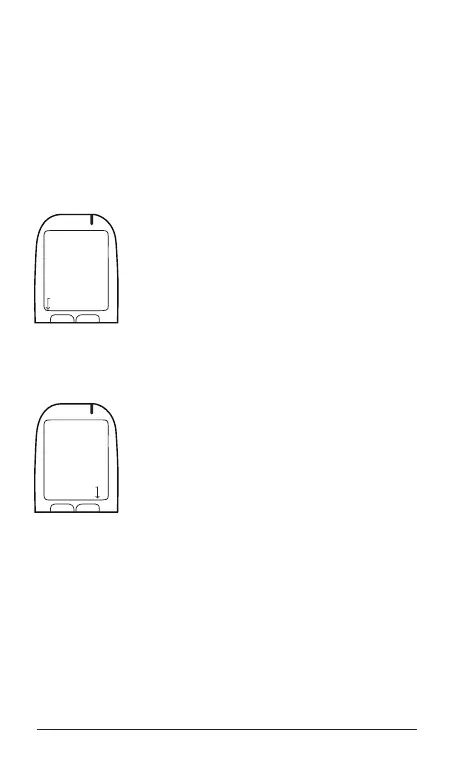
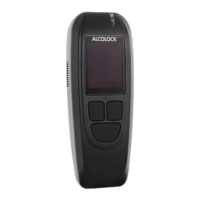
When you have started the engine, Drive
Safely is displayed. To activate Warm-Up
mode, press and hold the left button.
WARM-UP
Where permitted, you may place the
ALCOLOCK LR device in Warm-Up mode
by pressing the left button. Warm-Up is
displayed and the vehicle engine can remain
at idle without requiring another breath test
for a set time (refer to your Compliance
Guide – default is 30 minutes). Warm-Up
mode will be discontinued when you press
the accelerator or press and hold the right
navigation button.
Drive Safely
Hold for Warm-Up
Warm-Up
Hold for Exit


 To Next Page