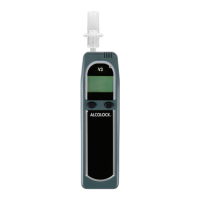
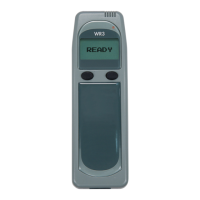
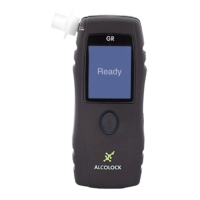
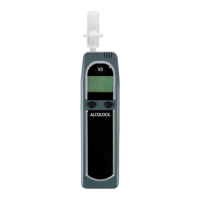
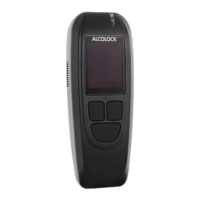
ALCOLOCK LR19
SERVICE DATES
You must visit the Service Centre 30 days after installation.
You must also visit at regular intervals thereafter or at intervals
specied in the regulations, for maintenance and monitoring.
Monitoring appointments typically take less than 20 minutes.
Refer to your Compliance Guide for more information.
WARNING! If the ALCOLOCK LR device enters Permanent
Lockout, the vehicle must be towed and you will be liable
for the expenses and the service call.
ERROR MESSAGES
The ALCOLOCK LR device may not accept a breath test (and
may display error messages instead). To minimize errors,
make certain that the Handset is connected properly, the
vehicle battery is in good condition and that mobile phones
are not in use during breath tests.
The following table lists and describes error messages along
with required actions.
MESSAGE DESCRIPTION WHAT TO DO
Abort 30, 40, 50 There is a problem with
the Handset.
Try the test again.
If the message
persists, call your
Service Centre.
Early Recall or
Immediate Recall
A service reminder is
displayed for a set time
(refer to your Compliance
Guide).
Call your Service
Centre to schedule
an appointment.
Missed Retest A retest was not
completed within the
set time (refer to your
Compliance Guide). A
recall may follow.
Complete the test
as required.
Missed Service A Service Request was
not observed within the
set time (refer to your
Compliance Guide).
Call your Service
Centre to schedule
an appointment.


 To Next Page