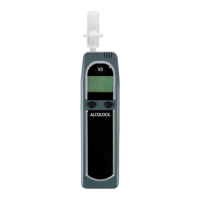
ALCOLOCK LR15
SLEEP MODE
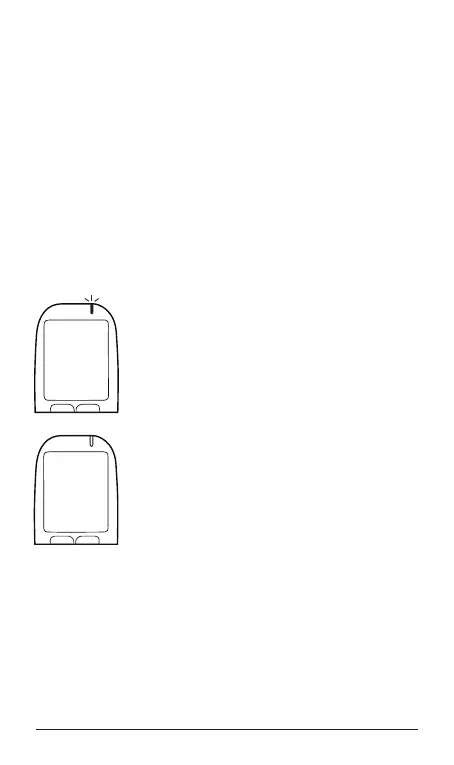
The ALCOLOCK LR device enters Sleep mode when the
vehicle engine is Off, to conserve the vehicle battery.
To enter Sleep mode, park in a safe location and turn the
vehicle engine Off. Press and hold the right navigation button
to cancel the Restart Available screen. When Ready for
Test is displayed, press and hold the left and right buttons
until the screen is blank.
The ALCOLOCK LR device also allows you to set the time at
which Sleep mode will activate.
1. From the Ready for Test screen, press
and hold the left button to access the
Main Menu.
2. Press the left or right button to scroll
to Sleep. To select, press the bottom
button.
3. Sleep mode offers four pre-programmed
times: 5, 30, 60 and 90 minutes. Press
the left or right button to scroll to your
choice.
4. Press the bottom button to save your
choice and to exit this mode.
Menu
Sleep
Select
Prev Next
SLEEP
5 min.
Select
Prev Next



 To Next Page