INSTRUCTION MANUAL 14
MENU OPTIONS
NOTE: Any features described in this manual may or may
not be available in your jurisdiction.
The ALCOLOCK LR device Main Menu contains a number
of selectable options, such as wake-up / sleep times and
language selection; these may be accessed from the Ready
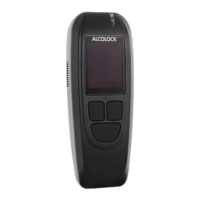
for Test screen by pressing and holding the left button on the
Handset.
DIAGNOSTIC MODE
The ALCOLOCK LR Handset allows you to view diagnostic
information, including the Handset version, the ECU version
and the device input voltage.
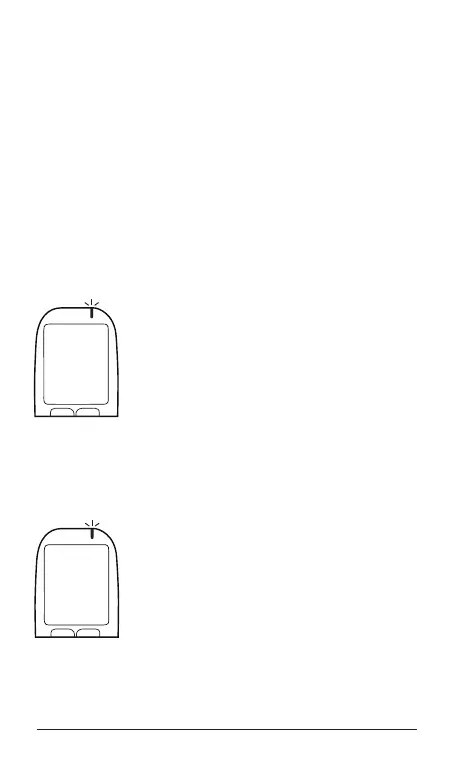
1. Press and hold the left button to access
the Main Menu. Press the left or right
button to scroll to Diagnostic. To select,
press the bottom button.
2. All diagnostic information will be
displayed. Press the bottom button to
exit this mode.
SERVICE DATE MODE
1. To view important dates and times, press
and hold the left button to access the
Main Menu.
2. Press the left or right button to scroll
to Service Dates. To select, press the
bottom button.
3. Press the left or right button to scroll
through all of the dates in the list.
4. Press the bottom button to exit this
mode.
Menu
Diagnostic
Select
Prev Next
Menu
Service Dates
Select
Prev Next


 To Next Page