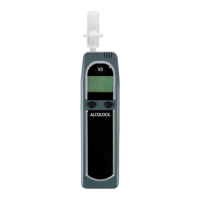
ALCOLOCK LR17
LANGUAGE MODE
The ALCOLOCK LR Handset is available in multiple
languages. The selections are programmed at the factory.
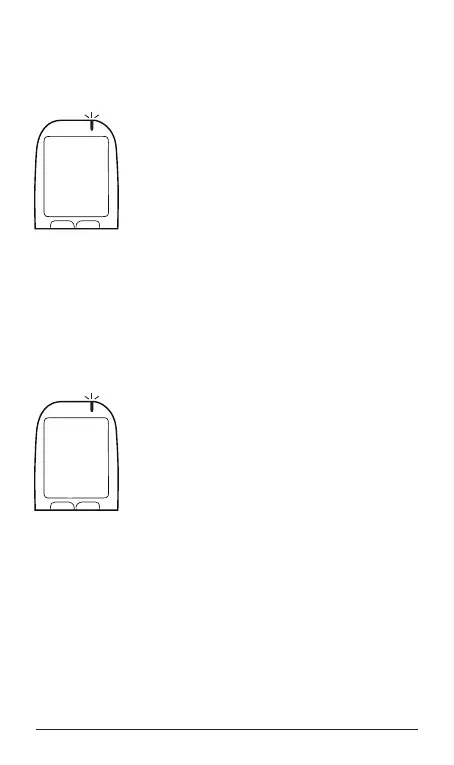
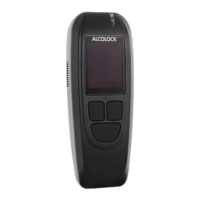
1. Press and hold the left button to access
the Main Menu. Press the left or right
button to scroll to Language. To select,
press the bottom button.
2. Press the left or right button to scroll to
your choice.
3. Press the bottom button to save your
choice and to exit this mode.
EMERGENCY OVERRIDE (NO CODE)
This feature bypasses the interlock system in case of an
emergency. No code is required, but the use of this feature
will be recorded in the device’s memory and alarms (both
visual and audible) will be activated as long as the engine is
running.
1. Press and hold the left button to access
the Main Menu. Press the left or right
button to scroll to Emergency Override.
To select, press the bottom button to
select.
2. Wait for 20 seconds to count down on
the display.
NOTE: Cancel the override at any time
during the count down by pressing
the bottom button.
3. After the countdown, press the left button to select Accept
to activate the emergency override. The emergency
override is successful when the display reads Start
Engine.
Menu
Language
Select
Prev Next
Menu
Emergency
Override
Select
Prev Next


 To Next Page