INSTRUCTION MANUAL 16
WAKE-UP MODE
The ALCOLOCK LR Handset may be set for up to 3 wake-
up times per day. This helps to ensure that the Handset is
warmed up and ready before you enter the vehicle.
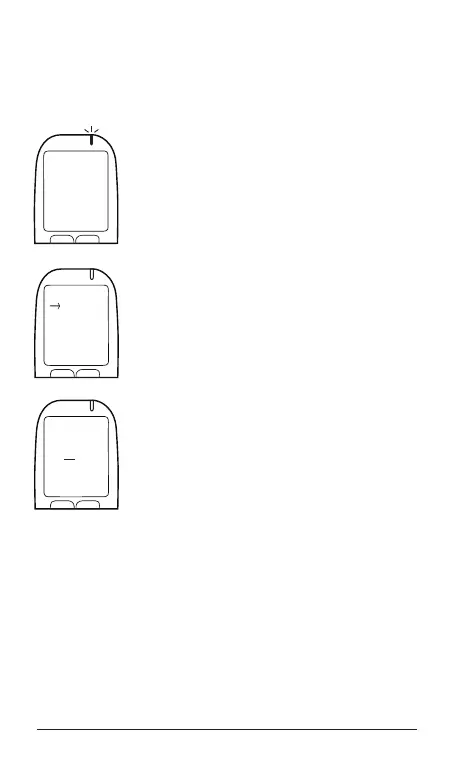
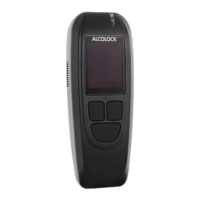
1. Press and hold the left button to access
the Main Menu. Press the left or right
button to scroll to Wake-Up. To select,
press the bottom button.
2. Press the bottom button to scroll to a
wake-up time. Press the left button to
turn a time on or off. Press the right
navigation button to edit a time.
3. Press the left or right button to change
a digit, and press the bottom button to
move the cursor from hour to minute.
4. Press the bottom button to save your
selection. Press the left button to exit
this mode.
WARNING! Before using Wake-Up mode, make certain
that the vehicle battery has sufcient charge.
Wake-Up mode is automatically disabled if the Handset
has not been used for three consecutive days.
Menu
Wake-Up
Select
Prev Next
WAKE-UP
07:00
11:00
16:00
Select
On/Off Edit
WAKE-UP
06:00
Select
[-] [+\


 To Next Page