56 GPS master
56
11.3 Install the driver for the USB cable
1. Now connect the USB cable to a free USB port on the
computer.
2. When the question appears should Windows connect to
Windows update to search for the software, select NO.
3. During the installation process select the option for the
software to be installed automatically.
4. If the notification appears that Windows does not know
the manufacturer of the software or that the software has
not passed the Windows logo test, select the option that
the installation should still be continued.
5. After successful installation of the driver, restart the
computer.
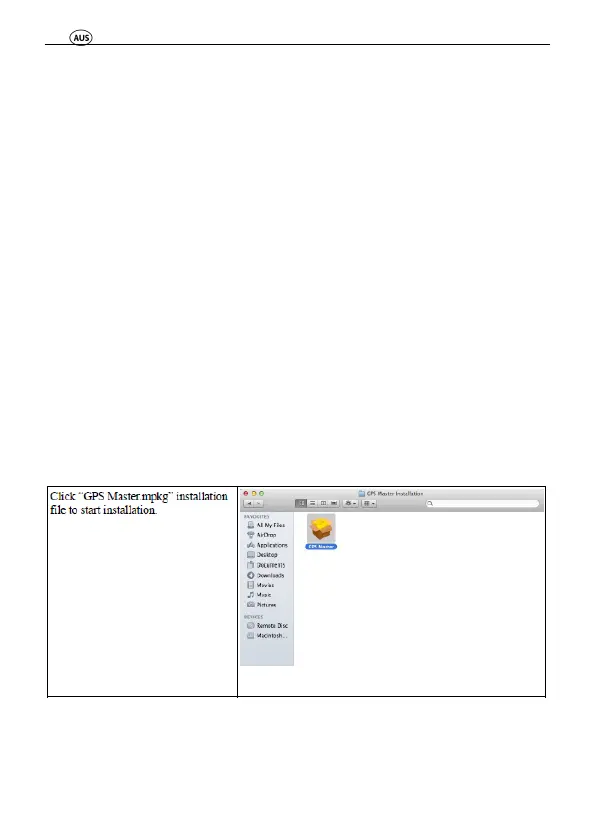
11.4 GPS Master (Mac) Installation Guide



 To Next Page