32 Modes of the Ski watch
32
Set DST (Daylight Saving Time)
Select the menu point "Setup" "Clock" "GPS Sync"
"On" “DST”.
Now select “ON” or “OFF”. “ON” is preset.
Set 12/24 hour format
Select the menu point "Setup" "Clock" "Format".
Now select the 12 hour or 24 hour format. 12 h is preset.
Set the time manually
If no GPS reception is possible, you can also set the time
manually:
Select the menu point "Setup" "Clock" "GPS Sync"
"OFF" “Time”.
Now set the seconds, minutes, and hours.
Set date manually
Select the menu point "Setup" "Clock" "GPS Sync"
"OFF" “Date”.
Now set the year, month and day.
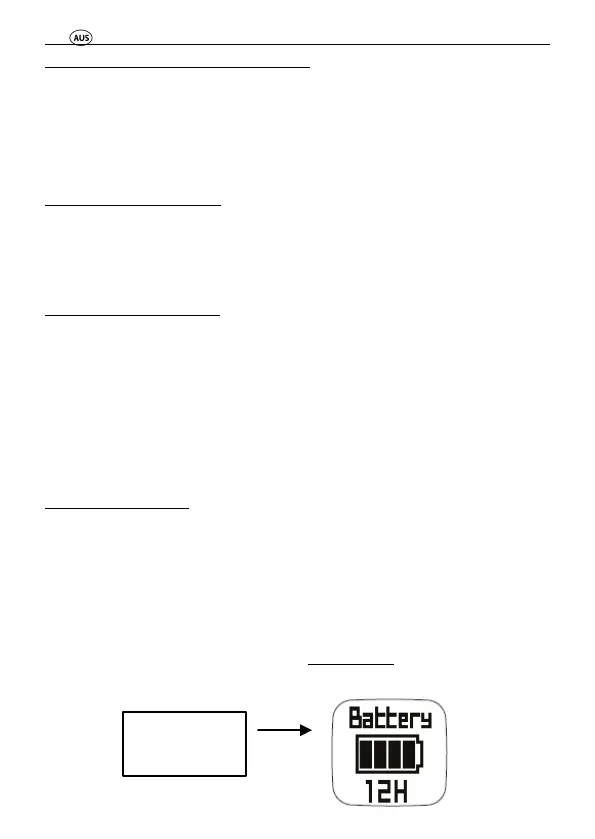
7.1.2 Rechargeable battery status display
Press the “VIEW” button in the time mode until the following
display appears:
remaining



 To Next Page