39 Modes of the Ski watch
39
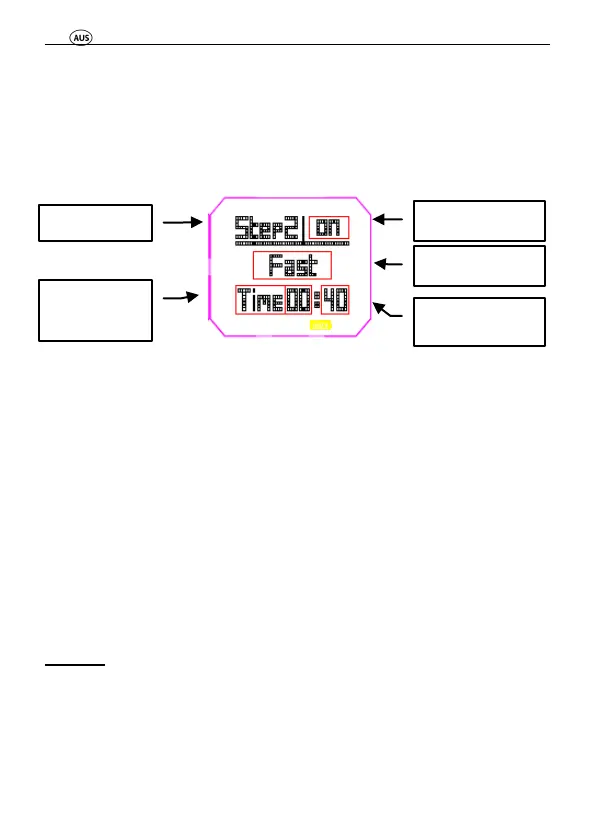
Select the Intensity Level (Rest, Walk,
Jog, Run, Slow, Medium, Fast).
Select Distance or Time as the counting
basis and set the Interval Time.
Press the “MODE” button repeatedly to exit the “Setup”
Menu.
After selecting the interval data in “Setup” mode press the
“MODE” button until you enter the “Interval Mode”. Then
press “ST./STP.” or the “LAP/RE.” button to toogle through
the interval displays.
7.2.3 Training
A-GPS
The Ski watch is equipped with an A-GPS (Assisted Global
Positioning System) function, which can be used to speed up
the GPS signal reception, particularly during inclement
weather conditions. To use this function, please download the
or Distance



 To Next Page