30 Modes of the Ski watch
30
The individual modes are described in point 7.1 to point 7.4.
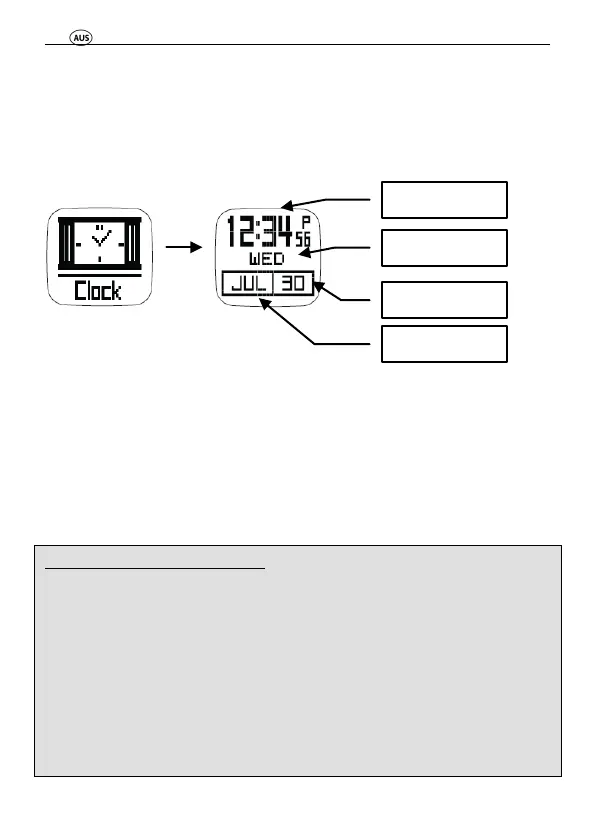
7.1 Time and date mode
Press the “MODE” button until you are in the time mode. This
is clearly shown by the following displays:
In time mode there is one sub function, you can change
between this and the time mode using the “VIEW“ button:
• Time and date
• Battery
7.1.1 Set time and date
Settings in the Setup mode:
Press the “MODE” button until you enter the Setup mode
Press "ST./STP." or "LAP/RE." button
select desired menu point and/or change setting/value
Press “VIEW“ button
Confirm menu point and/or setting/value
By pressing and holding the “ST./STP.” or the “LAP/RE.”
button, you can use the fast-forward function for settings.



 To Next Page