27
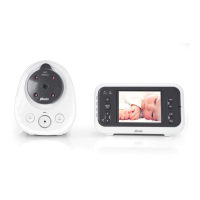
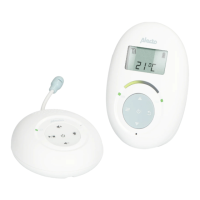
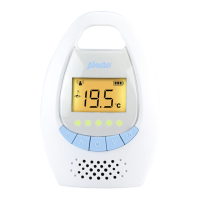
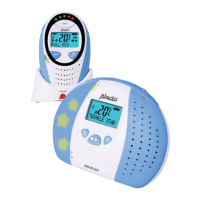
6. LINK light: connection indicator,
• lit continuously: the connection between the parent
unit and baby unit is OK
• ashing:theparentunitissearchingforthebabyunit
7. light: illuminates when the power adaptor is con-
nected and the battery is being recharged; attention,
doesn’tswitchowhenthebatteryisfull
8. rear: foldable table stand
9. light:Illuminateswhenthespeakerisswitchedo
10. TALK light: illuminates when you’re talking to the baby
11. rear: battery compartment
12. MIC: built-in microphone for the talk-back function
13. POWER button: press and hold for 2 seconds to
switchtheparentunitonoro
14. TALK button: press to talk back to the baby (keep
depressed while talking, release to listen)
15. MENU / SELECT button: press to open the menu,
pressagaintoconrmandsaveanadjustedsetting
16. power adaptor input
17. / buttons: to select available settings in the menu
3
4
1
2
106
15
7
17
13
14
9
16
12
85 11



 To Next Page