Manual
TIMY3 - General
Page 14
3 Printer
TIMY3 WP has an integrated thermal printer. The best paper for the printer is our ALGE paper.
It is recognizable by the ALGE logo print on the reverse side, available with your ALGE repre-
sentative.
3.1 Change of Paper
• open printer cap
• take out the paper axis
• place the axis inside the paper roll
• insert paper roll with axis into TIMY3
• thread paper through tear-off edge
• close printer cap
4 Synchronising
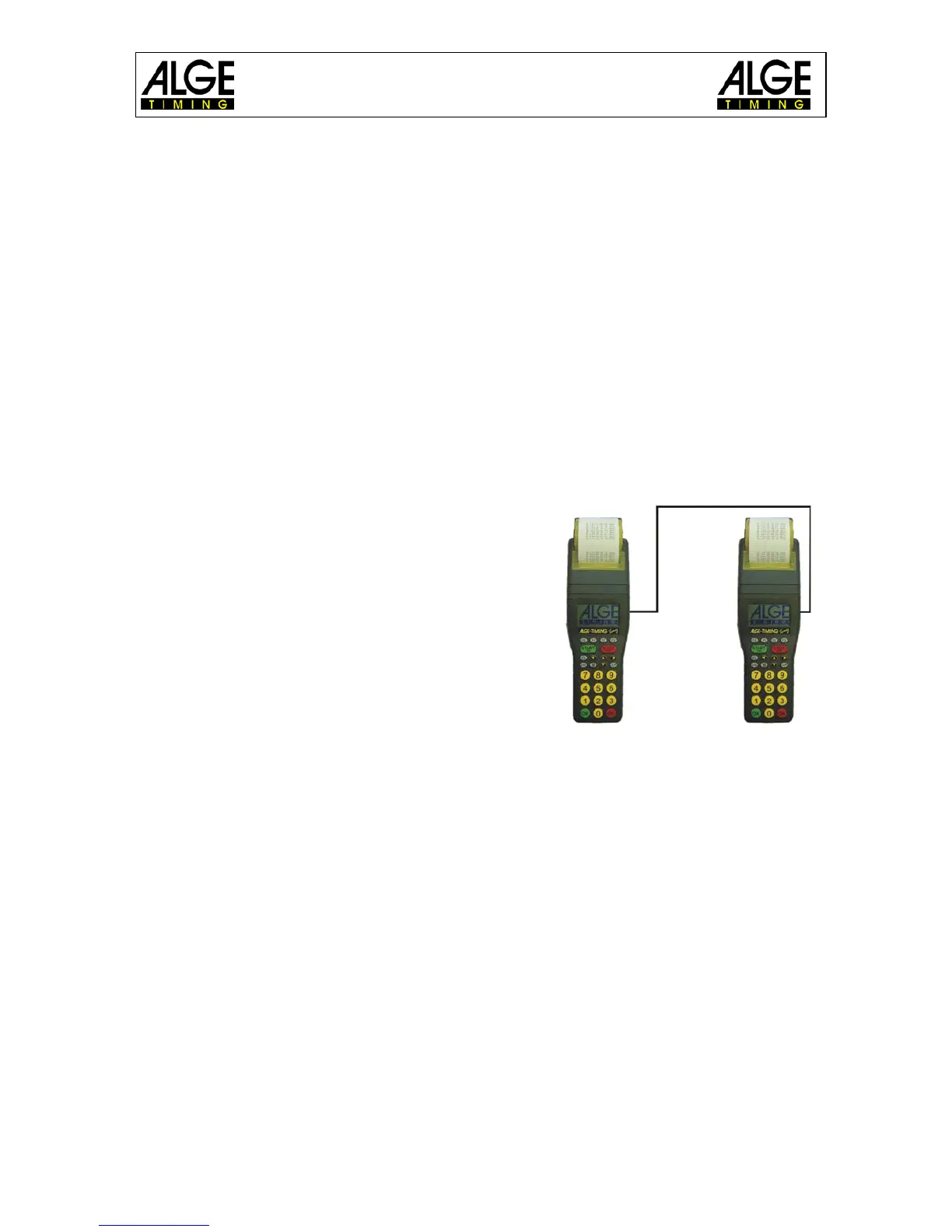
• connect TIMY3 with cable 000-xx or 004-xx to
other timing devices.
• switch on the TIMY3
• clear or retain memory
• retain time and date or correct it and confirm or
trigger with START key or via channel C0.
4.1 Synchronization of Other Devices
with a TIMY3:
The TIMY3 can send a synchronization signal via chan-
nel 0 every full minute when using the programs BACK-
UP or PC-TIMER.
• connect the TIMY3 with the device to be
synchronized
• enter the time of day (next full minute) to be synchronized at the device
• press and hold both keys, the green and red OK key of the TIMY3; on the full mi-
nute the TIMY3 sends a synchronization impulse. The time of day of the timing
device now runs.


 To Next Page